← Calendar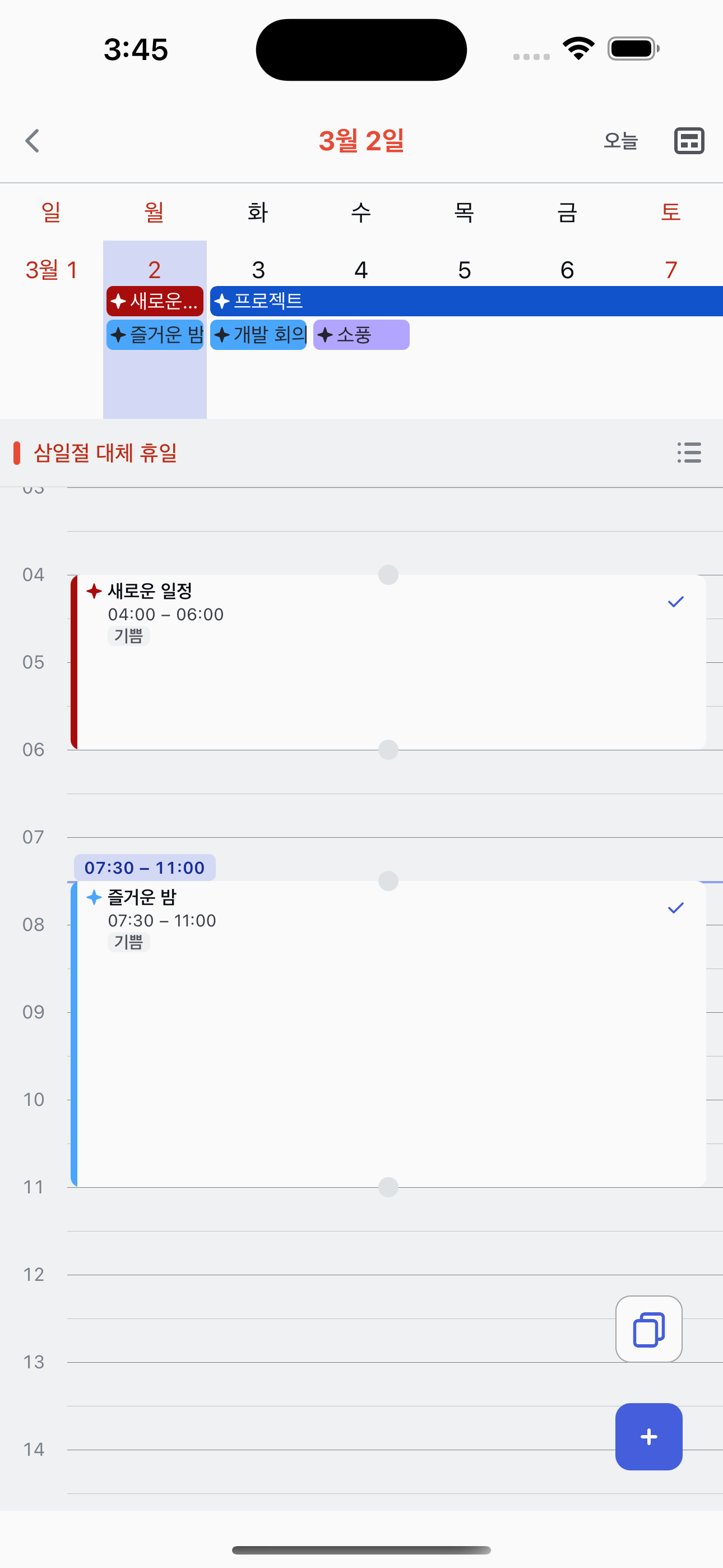
Resizing blocks in Timetable
Adjust the start or end time individually by dragging edge handles.
1
Long-press the top or bottom edge
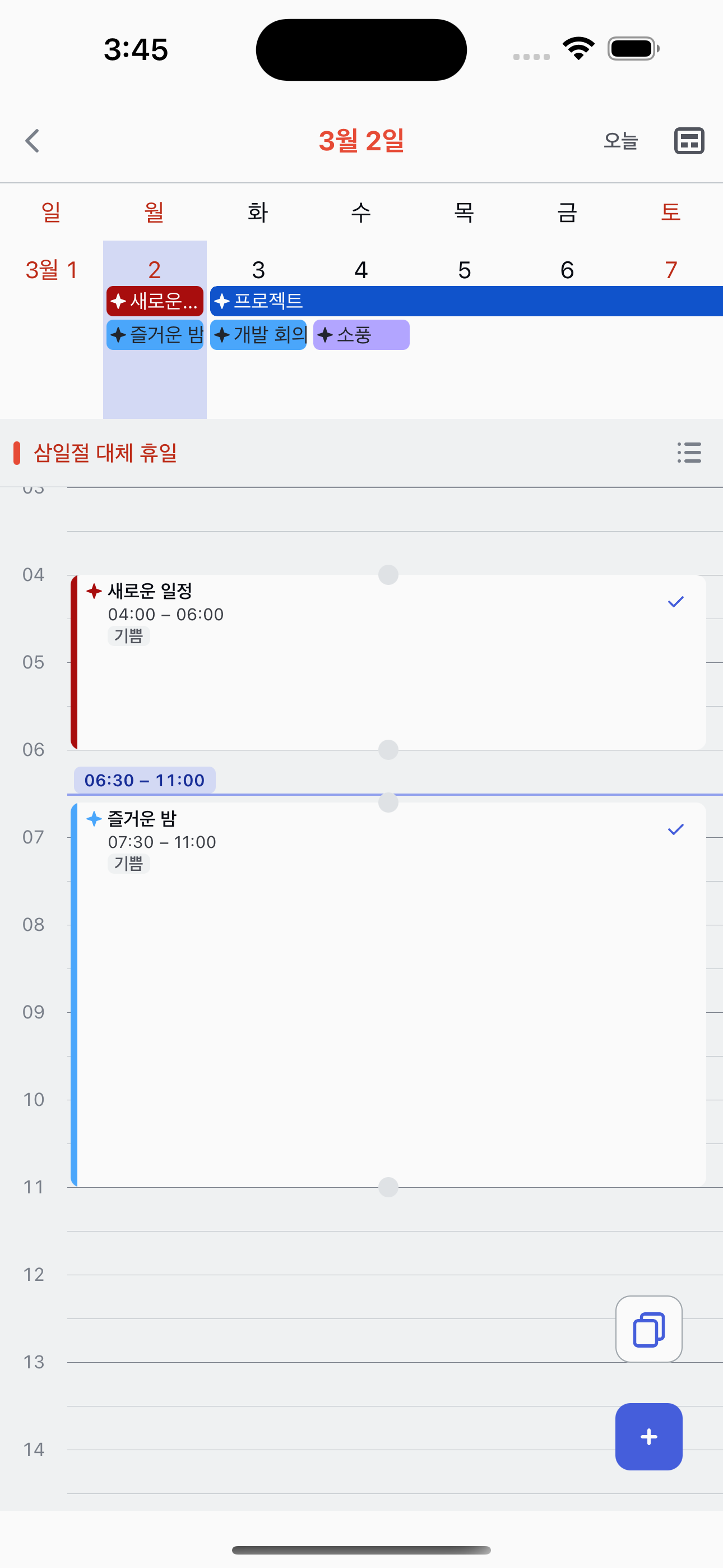
In the timetable view, long-press the top edge of a block to adjust the start time, or the bottom edge to adjust the end time. A resize handle will activate.
2
Drag to resize
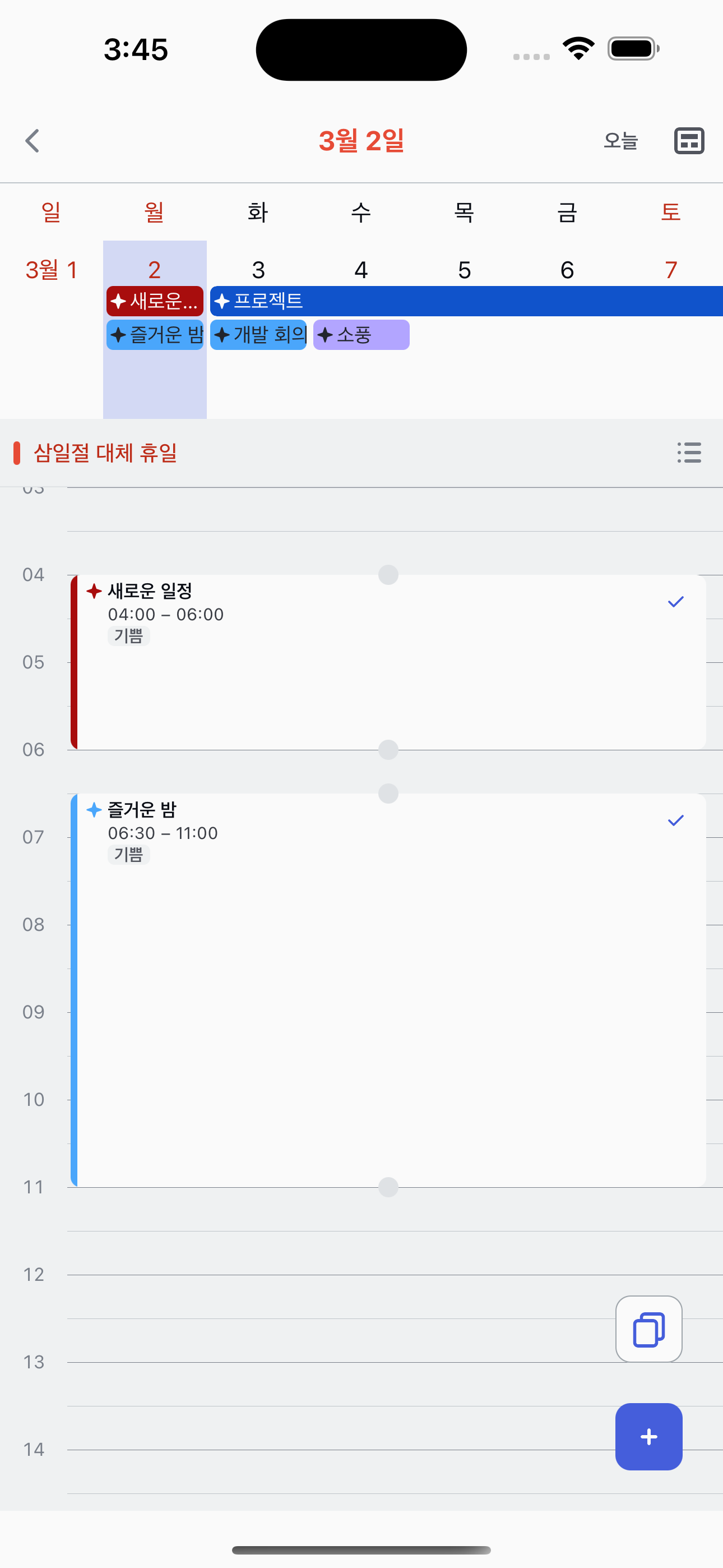
Drag the handle up or down to change the time. The block resizes in 15-minute intervals, and only the edge you're holding moves — the other end stays fixed.
3
Release to confirm
Release to apply the new time. The change is saved immediately.