
Achieve your goal.
Plan and act, review and improve.
That cycle is what achieves your goal.
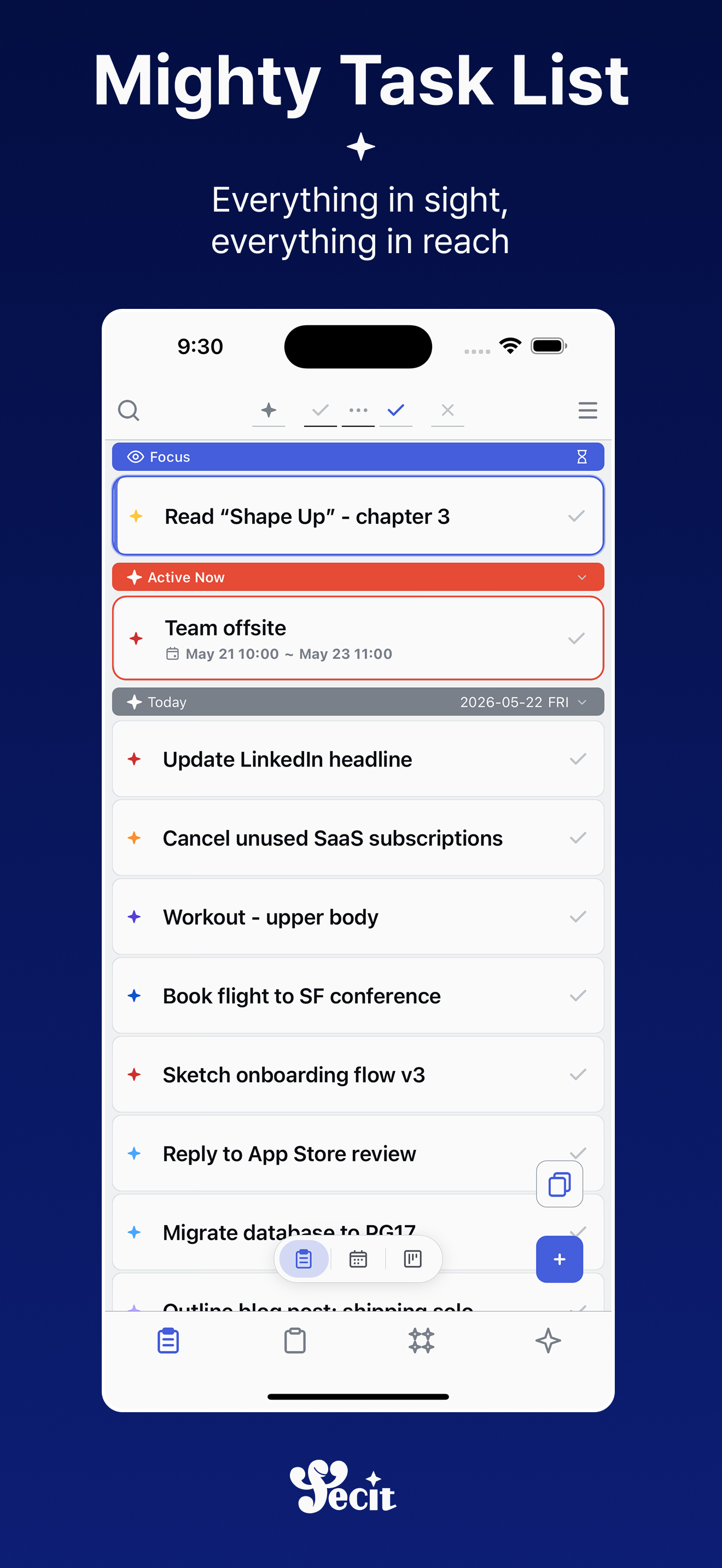
Light in your hand
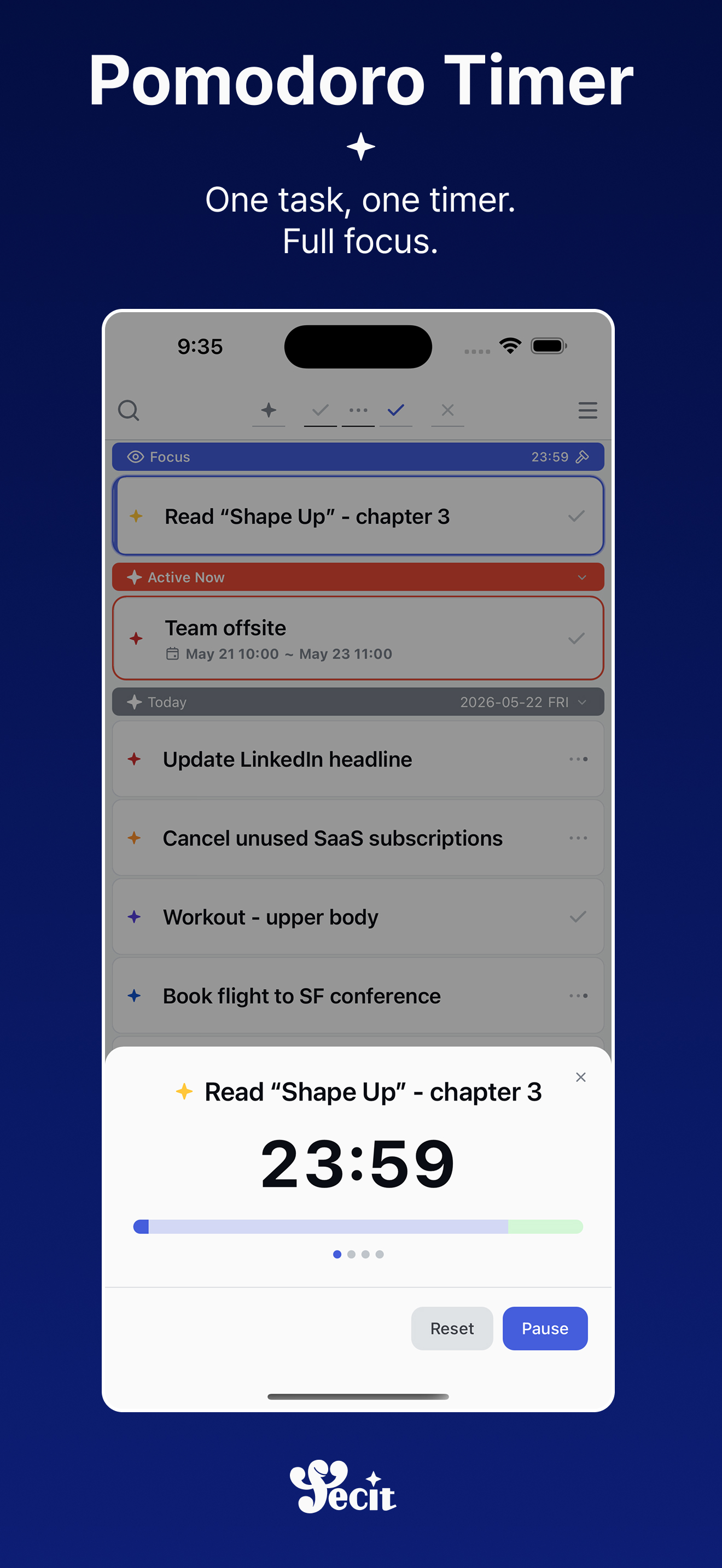
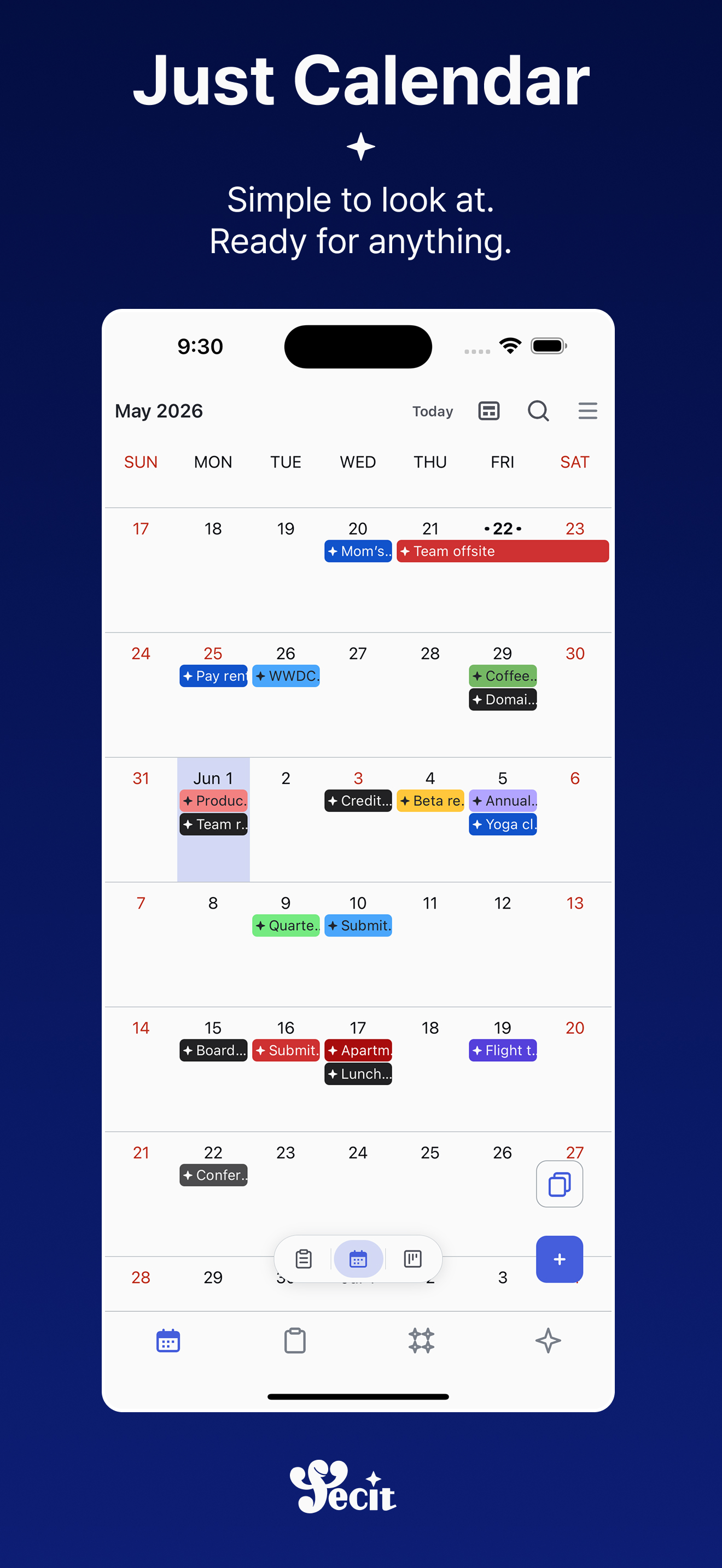
Plan, act, and review — the whole flow travels with you.
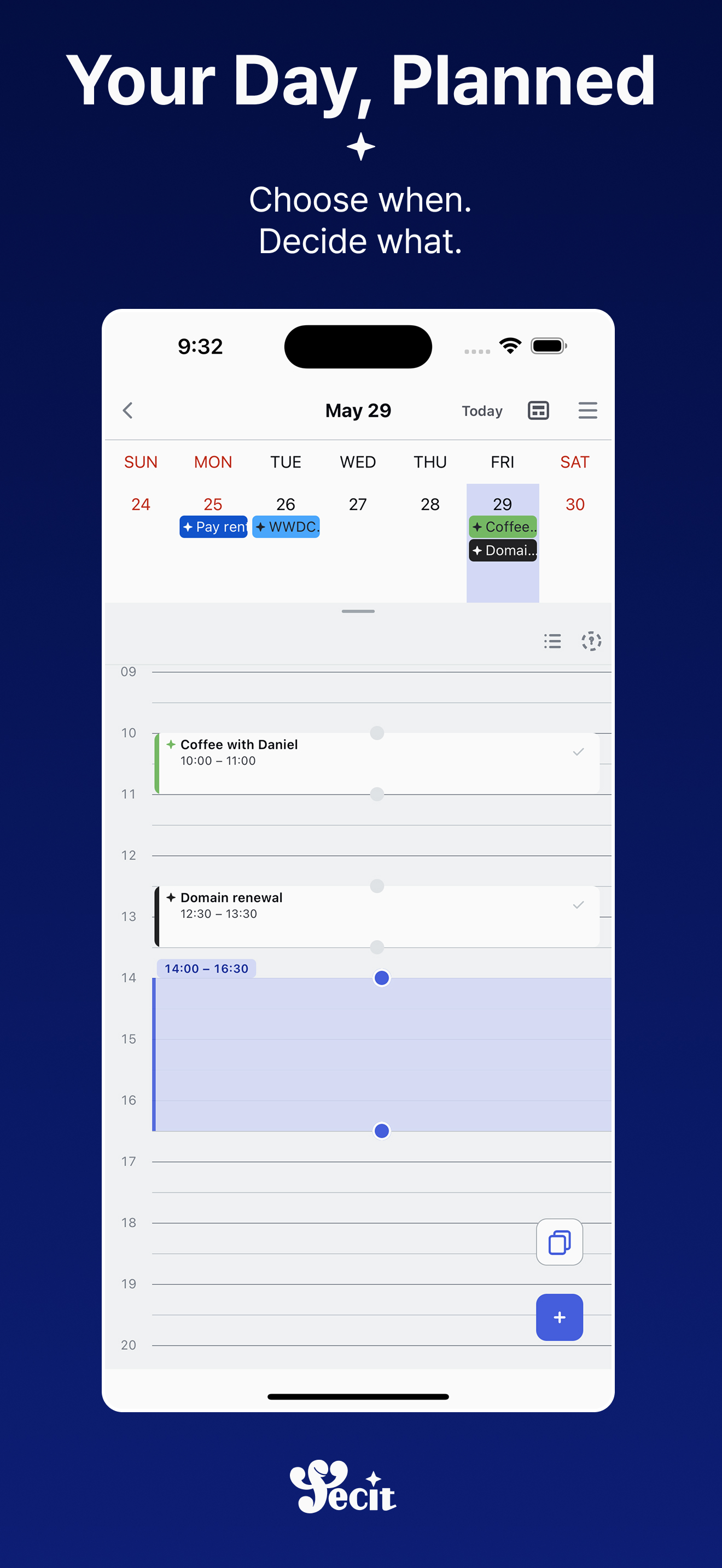
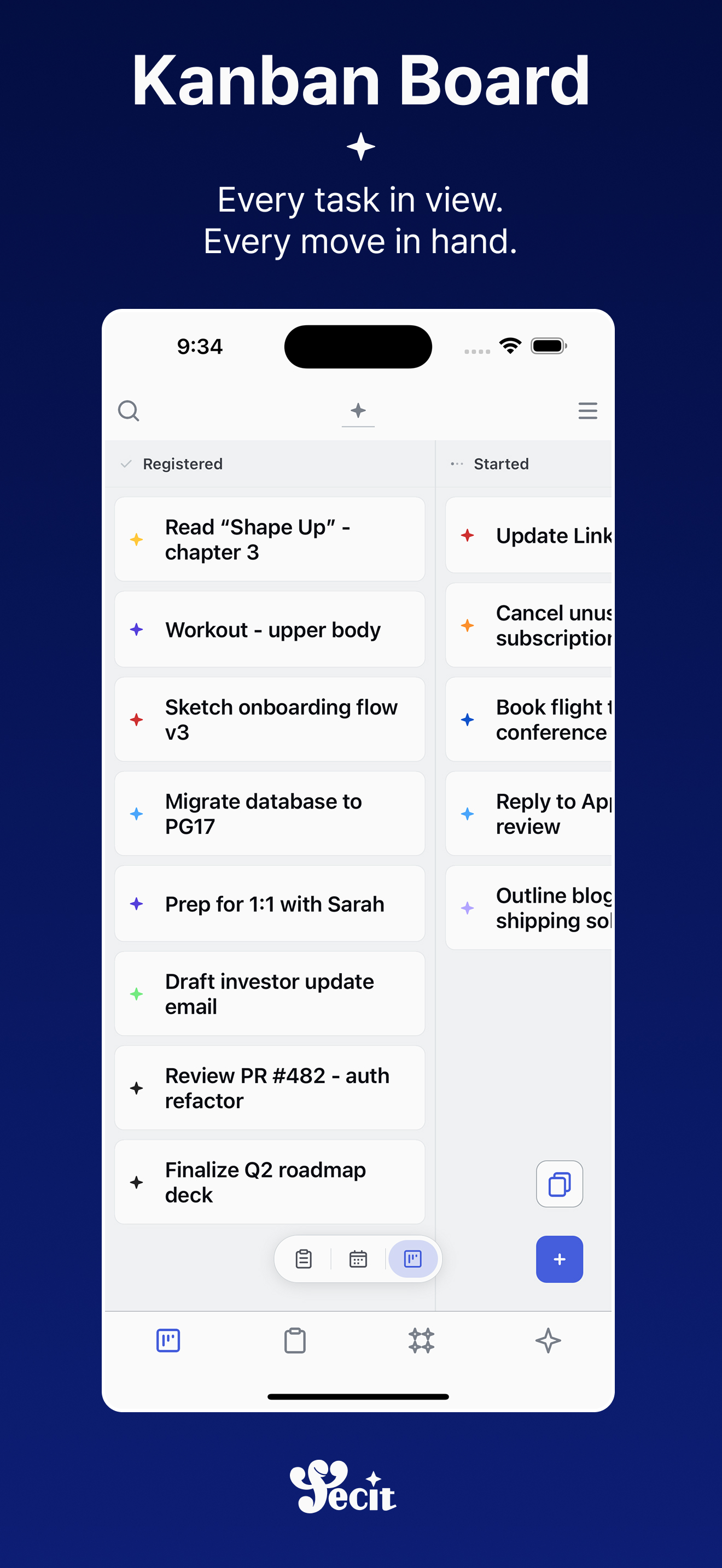
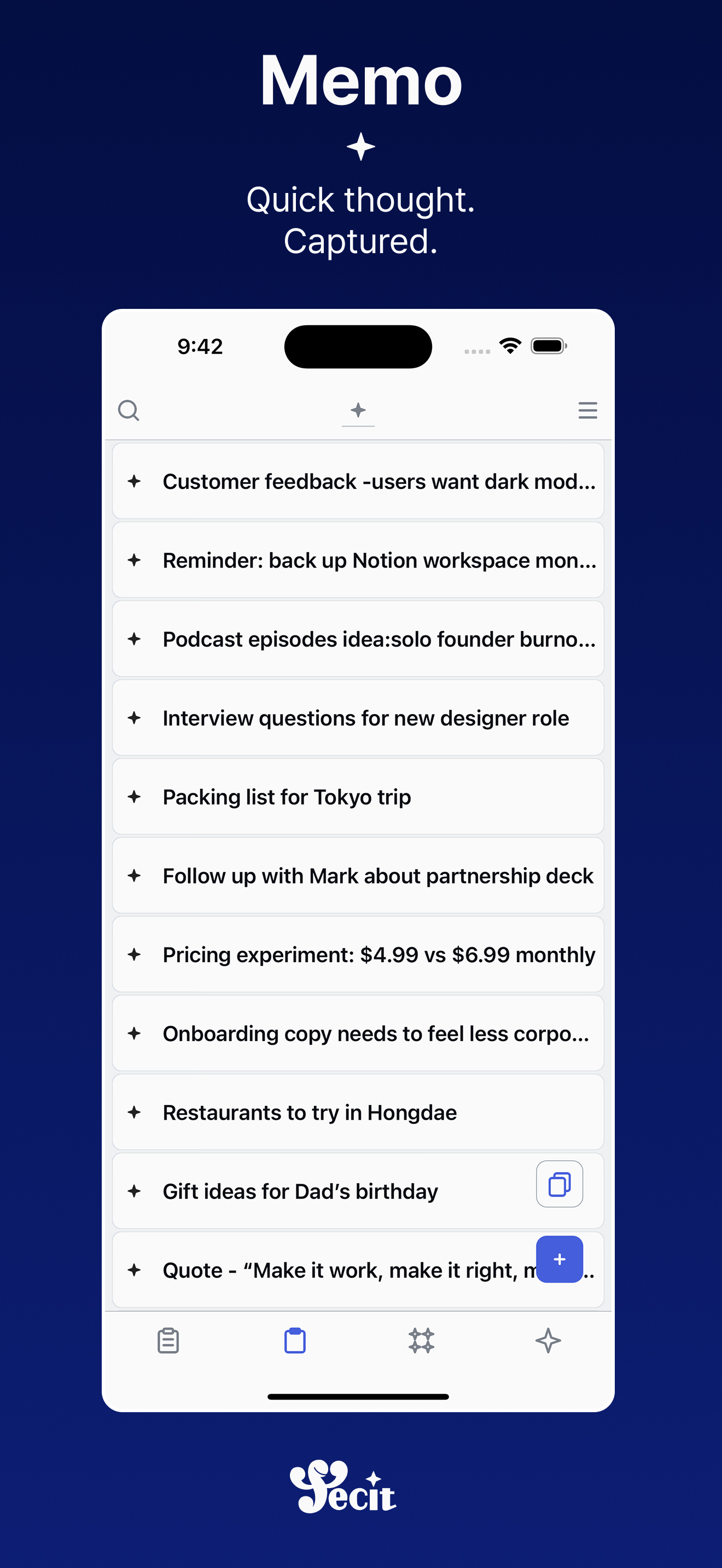
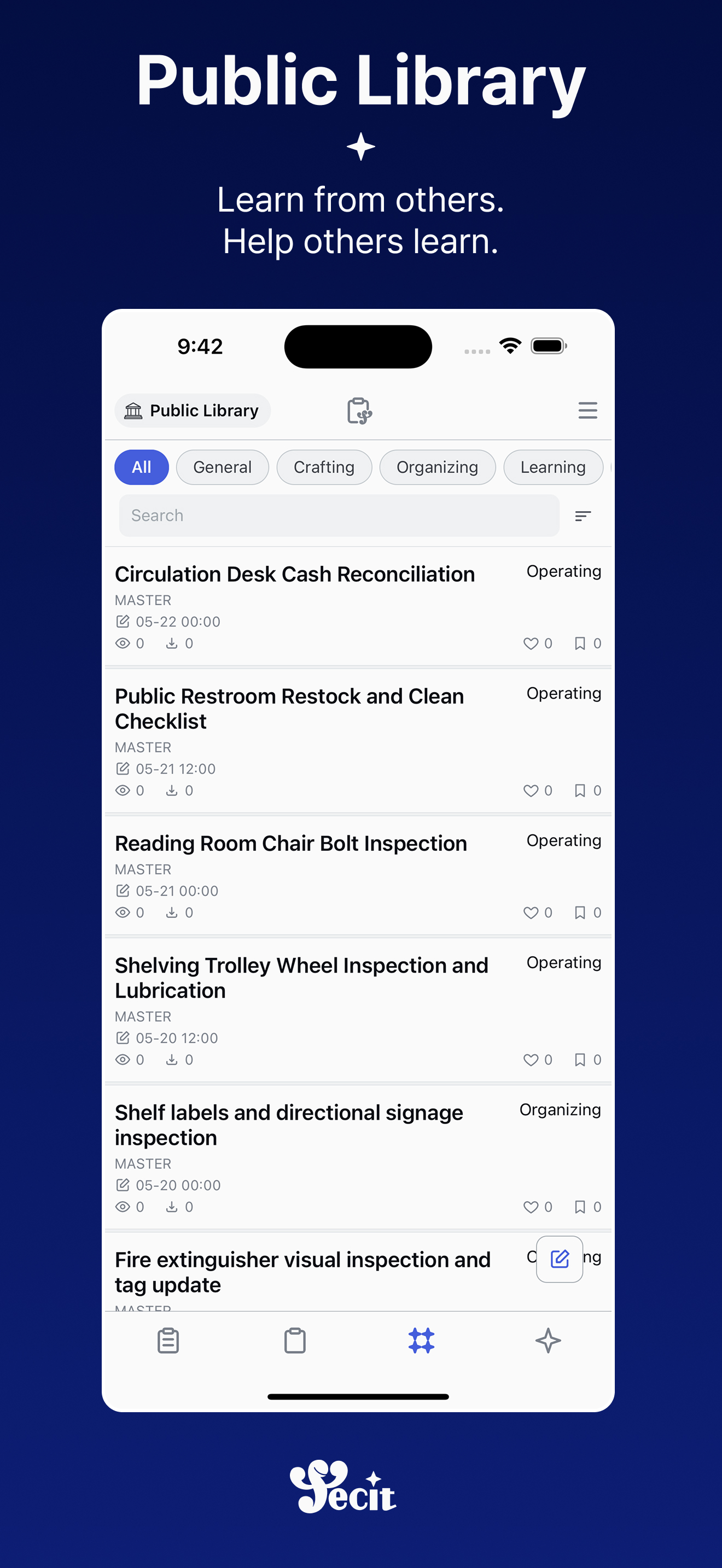
Deeper on the big screen
Same account — right in your browser, or as a macOS app. Table, calendar, and kanban views built for wide screens lay it all out at once.

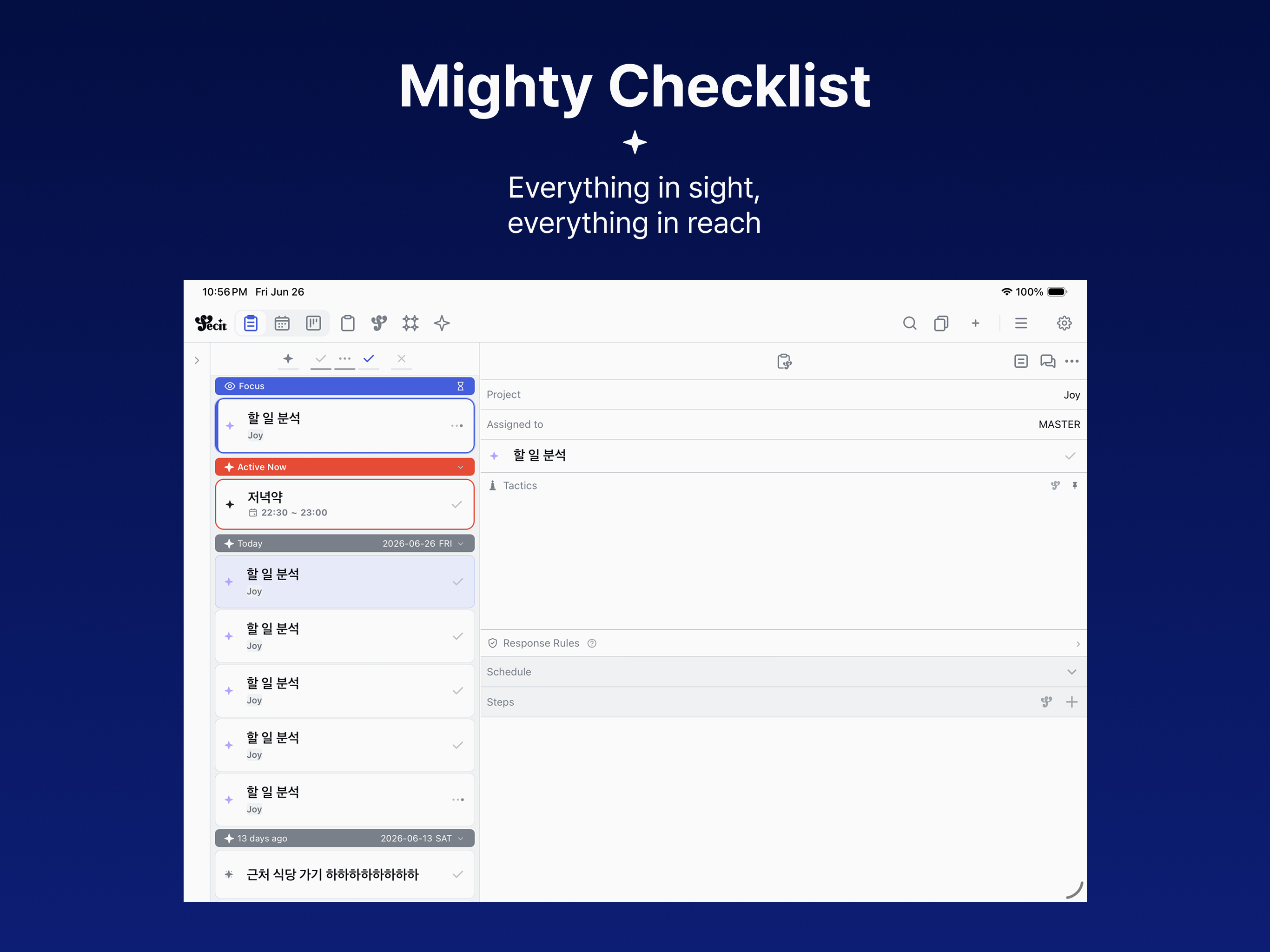
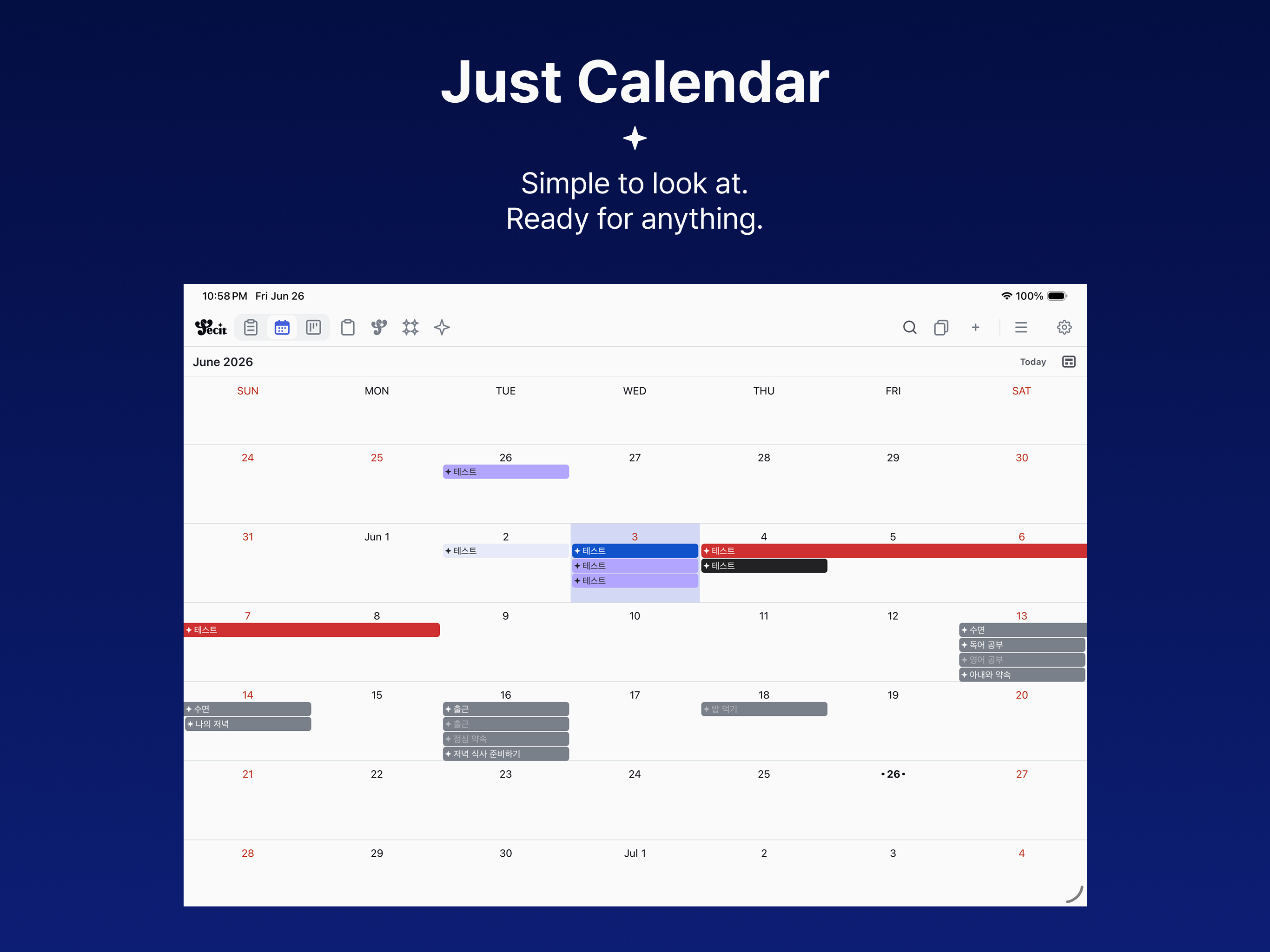
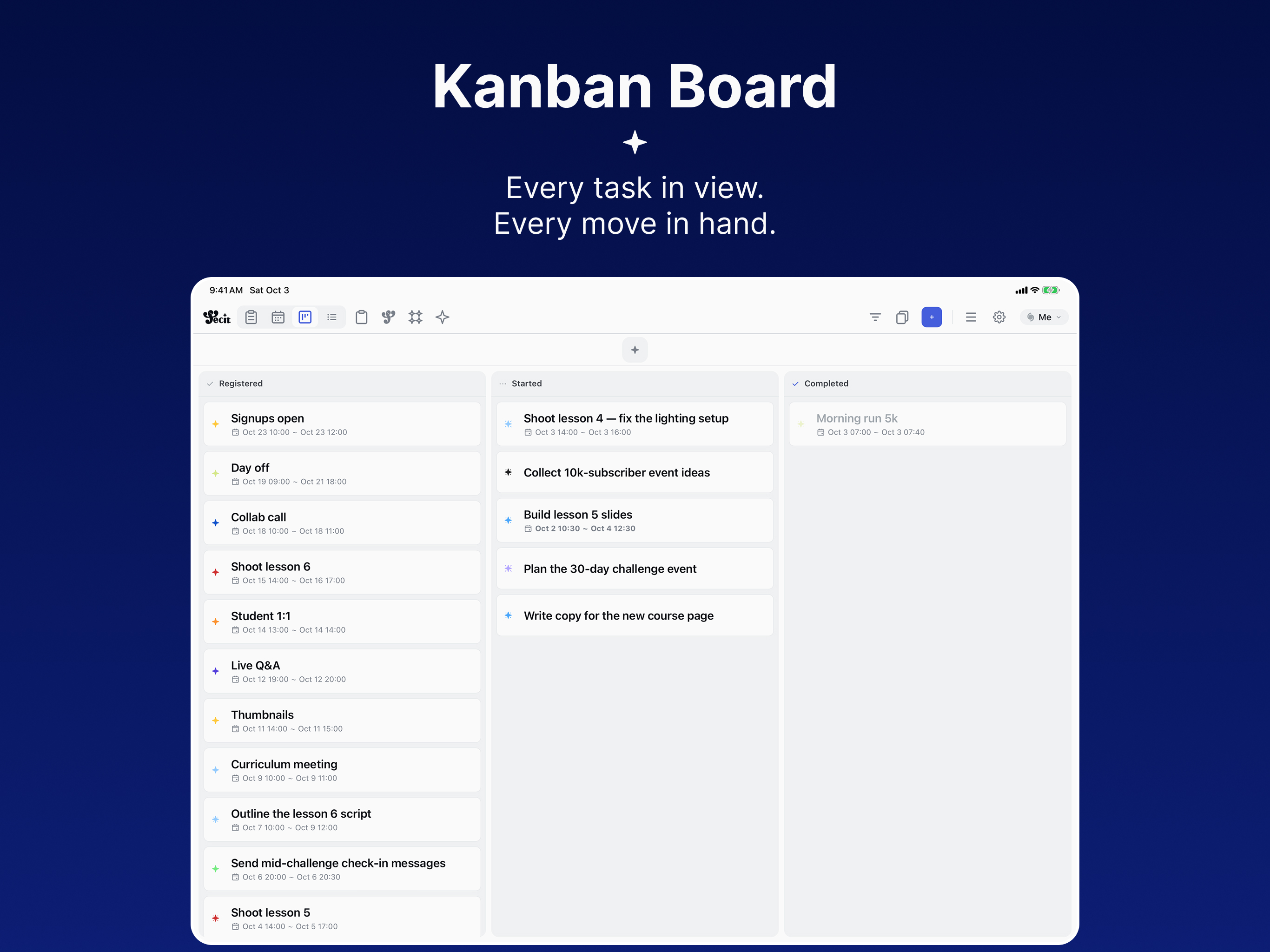
Syncs with your phone in real time — phone on the go, big screen at your desk.
Minimal to Maximal
Start simple. Go deep only when you need to.
Just what you need
A title is enough. Write it down, get it done.
As much as you want
Analysis, preparation, sub-tasks, reviews, routines — there when you want to go deeper.
How a single goal unfolds
Not a to-do list — the goal itself. Built on proven goal-science, its named spaces carry your thinking all the way through.
Finish a 10K run
- Current
- 3K leaves me winded; I run maybe once a week.
- Hope
- Run 10K without stopping within 12 weeks.
- Obstacle
- On rainy days and late work nights, I skip it.
- Stakes
- Nothing lost if I fail — keep it light, but steady.
- Preparation
- Running shoes · running app · a 5K loop in the local park
- Response Rule
- If I worked late → a 20-minute run the next morning.
- Retrospect
- What worked, and what to change next time.
Pass the practical exam
- Current
- Passed the written test; haven't touched the practical.
- Hope
- Pass the next sitting, in one go.
- Obstacle
- After work, just sitting down at the desk is the hardest part.
- Stakes
- Fail this round and it slips to next year.
- Preparation
- Three years of past papers · exam calculator · a weekend study café
- Response Rule
- On the commute home → solve at least one past question.
- Retrospect
- Track which subject eats the most time.
Quarterly review talk
- Current
- Slides have a skeleton but no story.
- Hope
- Fifteen minutes that survive any question.
- Obstacle
- Polishing slides eats the rehearsal time.
- Stakes
- Half a year of the team's work is judged on this.
- Preparation
- Slide draft · likely-questions list · a meeting room to rehearse in
- Response Rule
- If a slide stalls → rehearse out loud first.
- Retrospect
- Turn today's questions into the next talk's prep list.
Finish the portfolio
- Current
- I know where I want to apply; the work is scattered.
- Hope
- Ready to apply within a month.
- Obstacle
- One busy stretch at work and I drop it for two weeks.
- Stakes
- Every week I stall, postings close.
- Preparation
- Portfolio site · résumé · a former colleague to vouch for me
- Response Rule
- After a crunch week → tidy for just 30 minutes, then stop.
- Retrospect
- Fold interview feedback back into the portfolio.
Run the 4th candle class
- Current
- In session 3, half the class got stuck trimming wicks.
- Hope
- All eight finish in two hours and take their candle home.
- Obstacle
- If I talk too long while the wax cools, people fall behind.
- Stakes
- Reviews decide next month's bookings.
- Preparation
- Soy wax for 10 · 12 wicks · 2 thermometers · 4 workbenches
- Response Rule
- If anyone's hands stop → pause the class and demo again.
- Retrospect
- Log where people got stuck and what ran short — into the template for next session.
Week one of cohort 3
- Current
- In cohort 2, only 60% handed in the first assignment.
- Hope
- Everyone in cohort 3 submits in week one.
- Obstacle
- The first live session loses 30 minutes to tool setup.
- Stakes
- People who drop off in week one never come back.
- Preparation
- Setup walkthrough video · mic · one teaching assistant
- Response Rule
- More than three setup questions → send them to the TA's room.
- Retrospect
- Move the most-asked questions into next cohort's pre-course guide.
Shoot interview episode 12
- Current
- Last episode, a dead battery forced a reshoot.
- Hope
- Wrap in half a day, no reshoots.
- Obstacle
- Once the guest arrives, there's no time to set up.
- Stakes
- Rescheduling the guest pushes release back two weeks.
- Preparation
- 4 spare batteries · 2 wireless mics · studio · question sheet
- Response Rule
- If the guest arrives early → warm up with small talk first.
- Retrospect
- Turn forgotten gear and setup order into next episode's checklist.
Customer interview #5
- Current
- All four so far ended with me pitching the product.
- Hope
- Hear one recent story all the way through.
- Obstacle
- When silence gets awkward, I start explaining features.
- Stakes
- Next month's roadmap rides on these interviews.
- Preparation
- Question list · recording consent line · a quiet café
- Response Rule
- When I want to talk product → ask “What did you do then?”
- Retrospect
- Keep only the questions that landed; revise the list for next time.
A single title is enough to start. These spaces open when depth is needed.
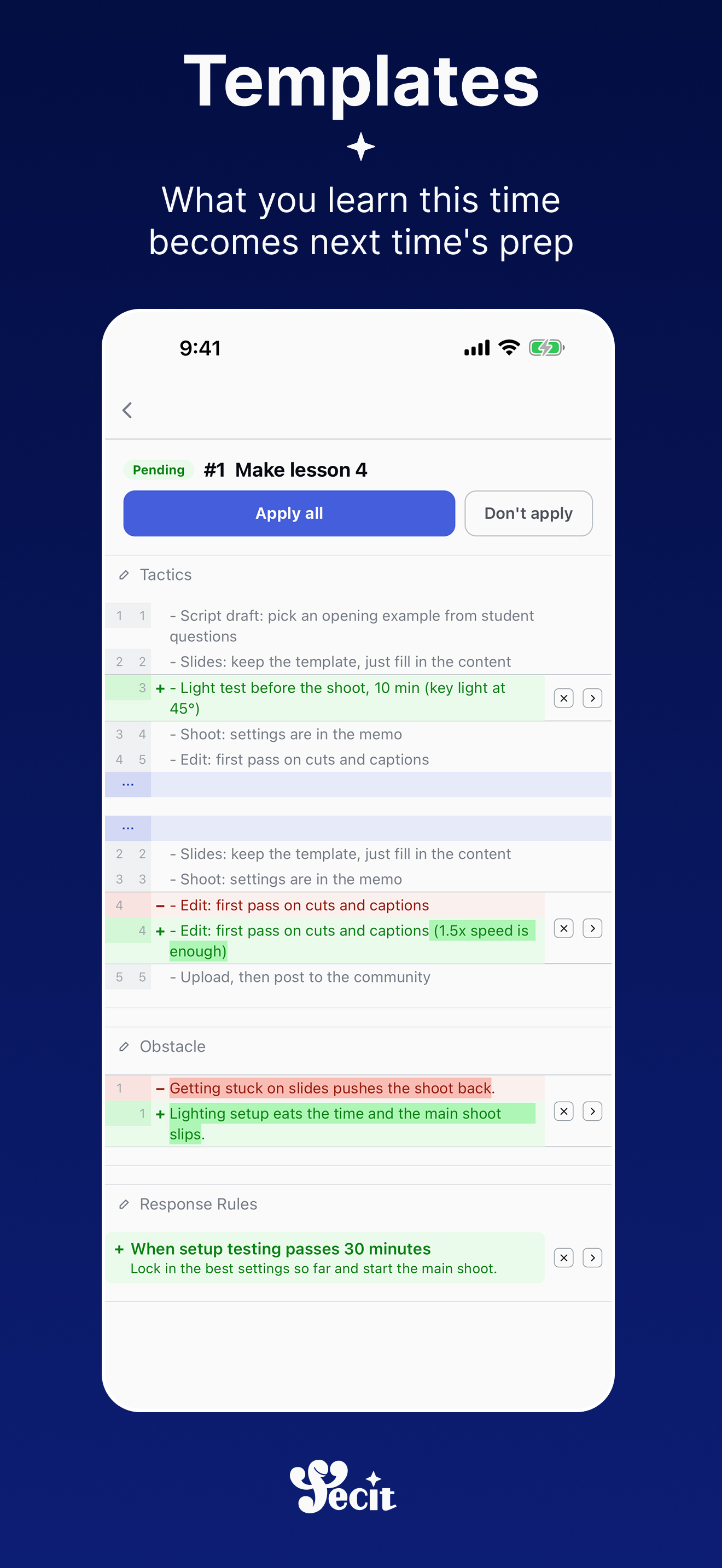
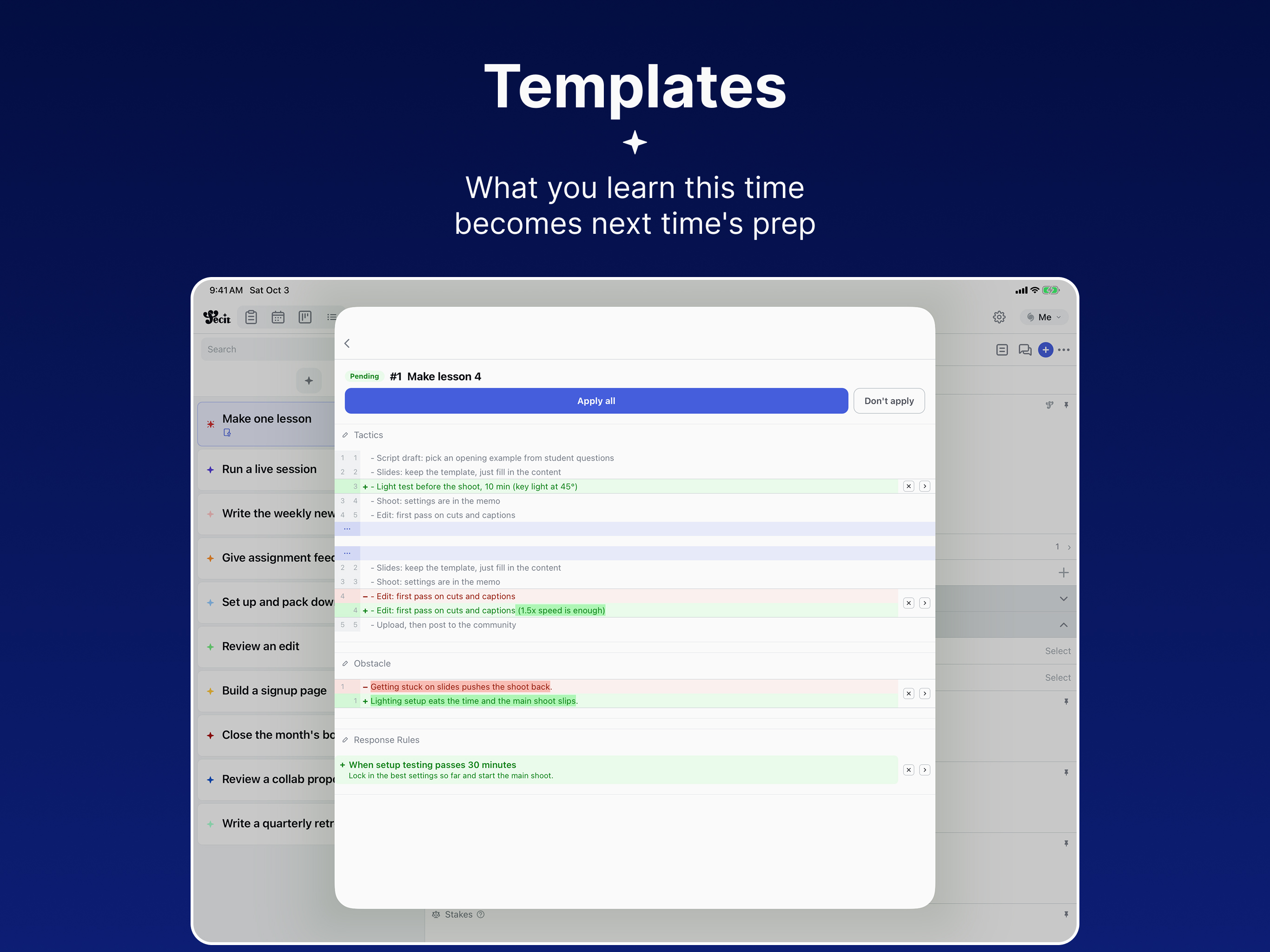
What you learn this time becomes next time's prep
Anything you've done once lives on as a template. Pick what's worth keeping from what you changed this time, apply it to the template, and next time starts from the improved prep.
Candle class, session 3
Steps
- ·Melt the wax
- ·Blend the scent
- ·Pour and set
- +Wick-trimming demo
- ·Trim the wicks
Preparation
Soy wax for 8 → for 10
Retrospect
Half the class got stuck trimming wicks. The wax ran two servings short.
Keep only what matters
- Step added · Wick-trimming demo
- Preparation · Soy wax for 8 → for 10
If it's someone else's template, it goes to them as an improvement suggestion.
Candle class, session 4
Steps
- ·Melt the wax
- ·Blend the scent
- ·Pour and set
- ·Wick-trimming demo
- ·Trim the wicks
Preparation
Soy wax for 10
Starts from a template that already holds what you learned last time.
Never staring at a blank page
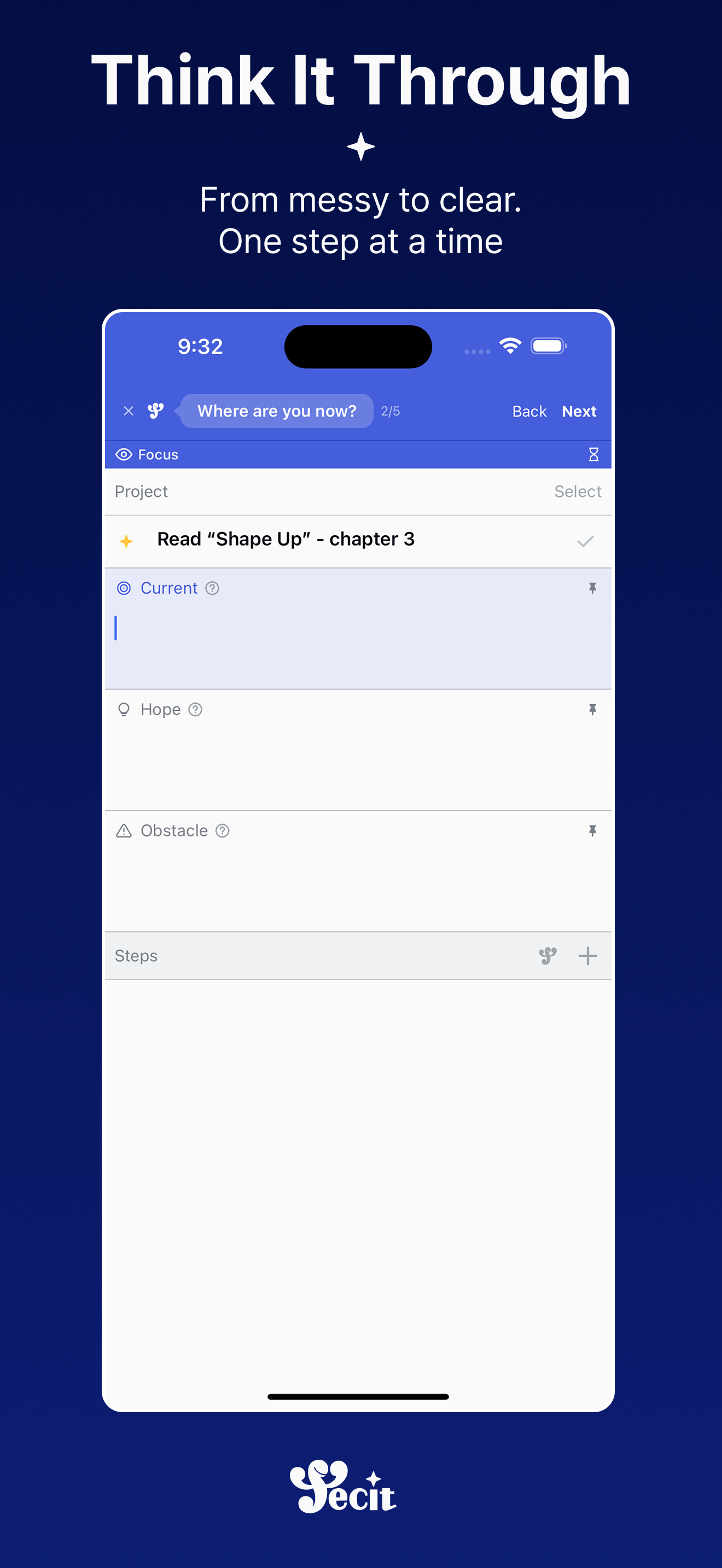
When you're not sure what to write, fecit asks first. Answer along, and your goal takes shape.
Not a static tutorial — a conversation.
What users say
★★★★★
“The features are surprisingly detailed. Depending on how you use it, the possibilities are endless.”
★★★★★
“The usage was unfamiliar at first, but reading the developer's guides, you can really feel how much thought and care went into building this app. I'll do my best to use it to reach my goals!”
★★★★★
“I loved that all the features that are paid elsewhere are free, and I like the intuitive and clean design the most!! I saw on Instagram that they are still developing it, so I'm looking forward to what's to come 👍👍”
★★★★★
“You can set task details finely, and the AI and calendar integrations are great! On top of that, even a kanban board is available — that was a pleasant surprise! The more I use it, the more I feel ready to reach my goals — I love it!”
Talk to your goals — in Claude
Fecit runs an MCP server. Connect your account to Claude, and it reads and manages your tasks, goals, and memos — with full context: targets, expectations, obstacles, retrospects.
https://fecit.vaudium.net/api/mcpHow to connectOAuth sign-in with your Fecit account — your data only, revoke anytime.
Stories from building Fecit
Stop Sending Your Refined Checklists as Screenshots — fecit Mail
When you hand a checklist you've refined over many runs to a colleague, you usually send a screenshot or a PDF. Then they have to copy it all over again. Now you can attach the document to a mail inside fecit, and the person who receives it turns it into their own task right there and starts.
No More Doing the Same Clicks Every Time — Task Automations
When you repeat the same work, the same clicks repeat inside each task too. Finish a step, start the next one. Start the task, open the preparation section. A day before the deadline, add a label. Now you can write a rule into a template once, and fecit does those clicks for every task made from it.
Bringing Preparation Closer to Reality — Things You Rent, Things That Expire, and the Catalog
In September we called preparation 'where fecit touches the real world.' Over the three weeks since, we kept refining it. Rented things get a rental period, papers with a deadline get an expiry date, items move both ways between tasks and the catalog, and a wrong kind can be moved.
Ready to achieve
Start simple. Go as deep as you need.
The planner whose templates get sharper every time you do the work.
from the maker
Contribution is always welcome!
Ideas, bug reports, shared templates, translations — anything that makes Fecit better counts.