← Calendar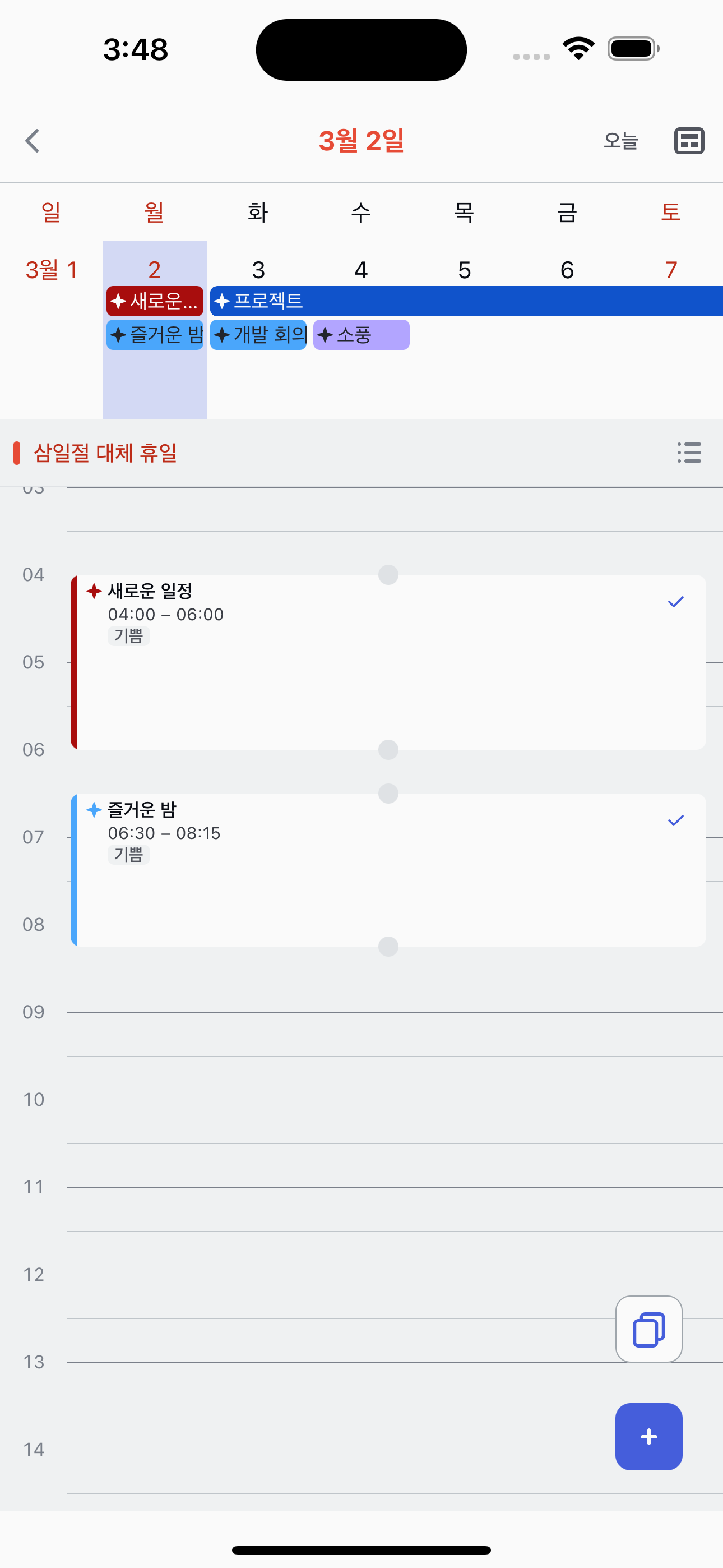

Creating tasks from Timetable
Long-press an empty time slot to create a task with the time already set.
1
Long-press an empty slot
In the timetable view, long-press an empty area at the time you want. The new task screen opens with the start time pre-filled.
2
Fill in the details
Enter a title and any optional details. The date and start time are already set based on where you tapped.
3
Save
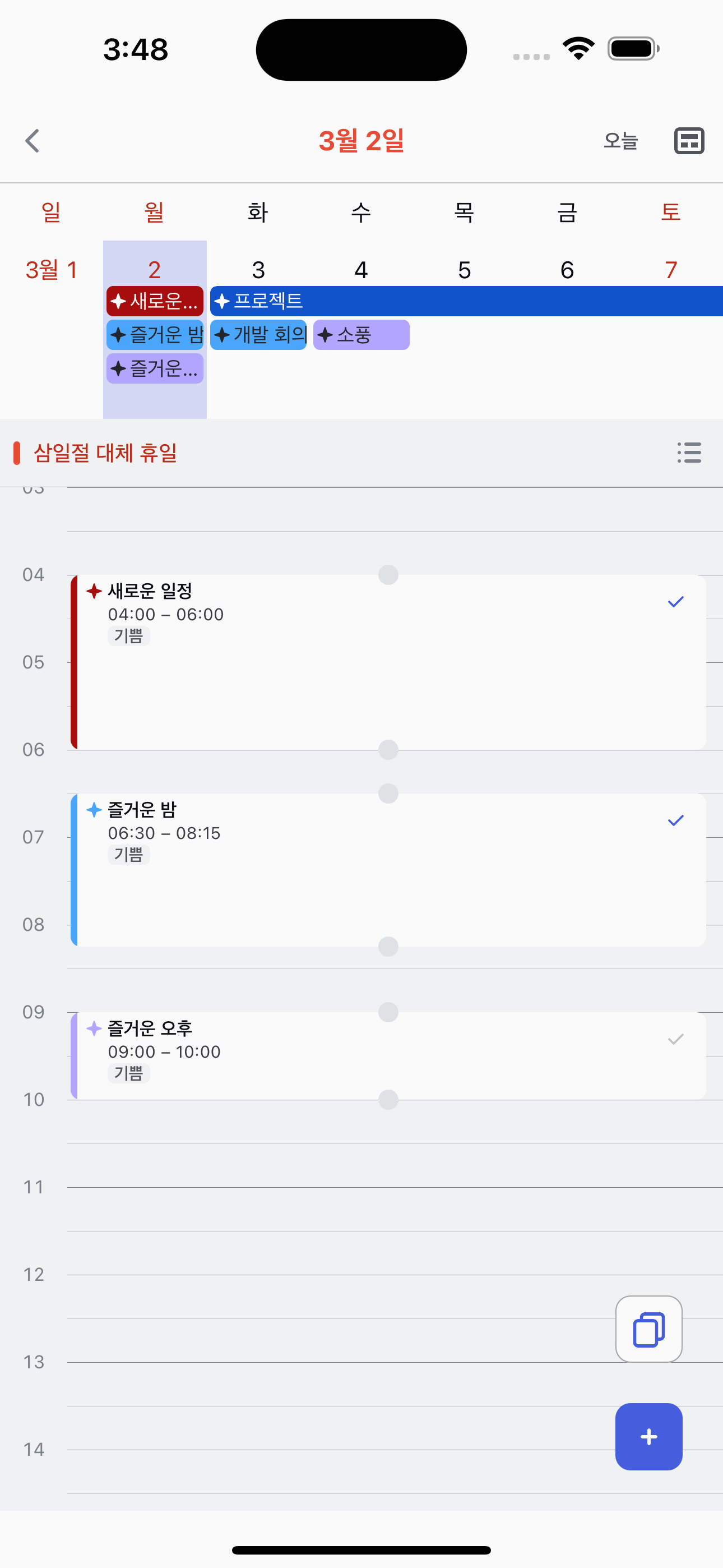
Tap back to save. The new task appears as a block on the timetable at the time you chose.