← Calendar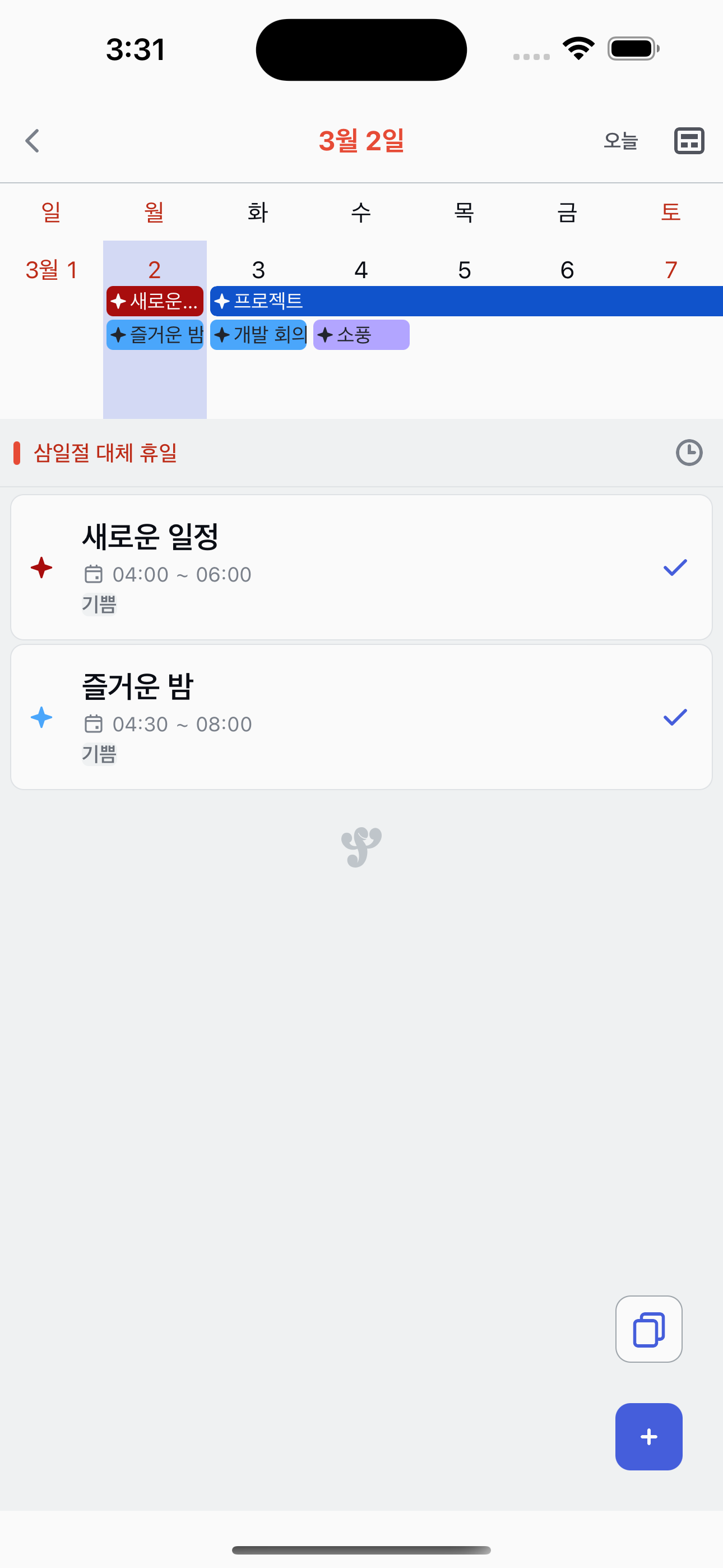
Switching between List and Timetable
View your daily tasks as a simple list or a time-based timetable.
1
Open a calendar date
Tap any date on the calendar to open the daily view. By default, tasks are shown in List mode.
2
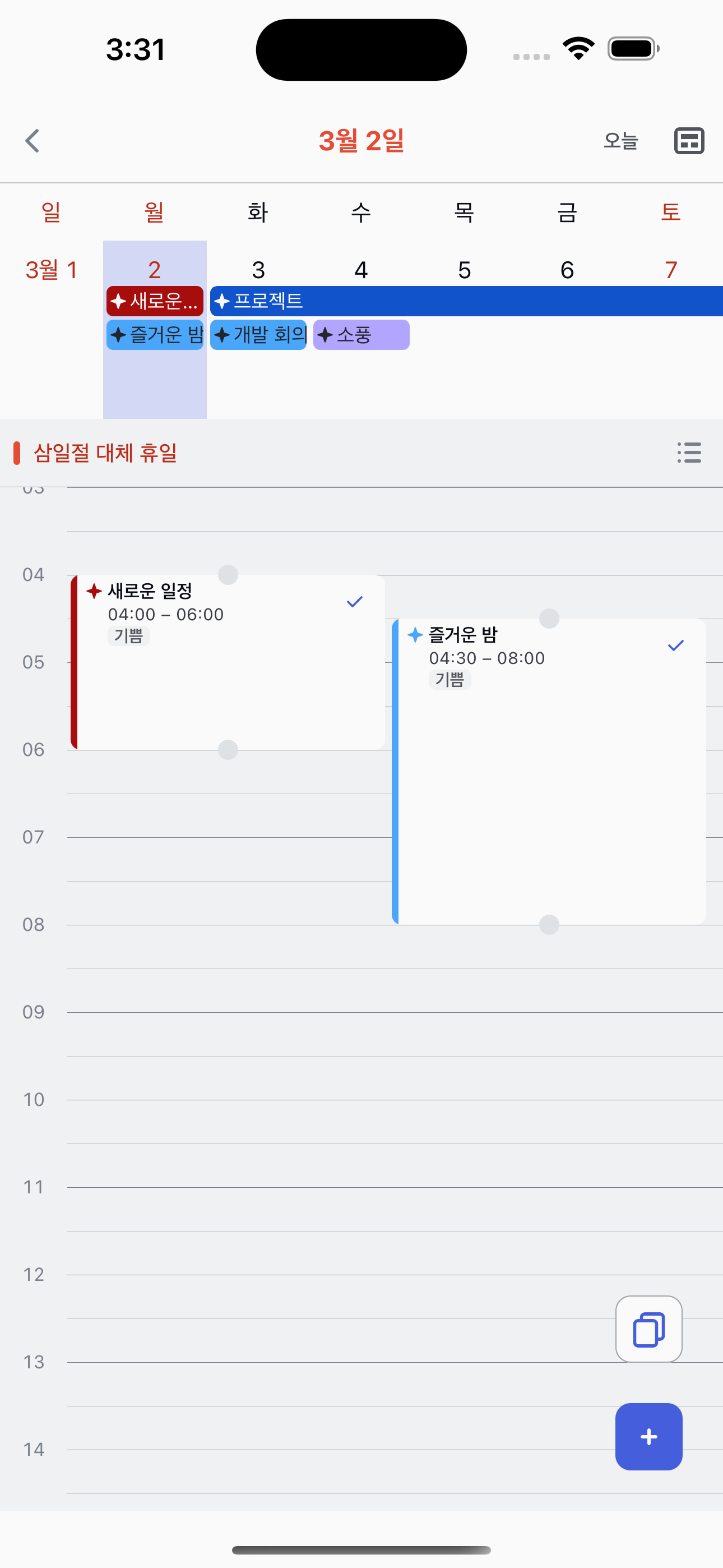
Switch to Timetable
Tap the view toggle icon in the top-right corner to switch to Timetable mode. Tasks with scheduled times are displayed as blocks on a timeline.
3
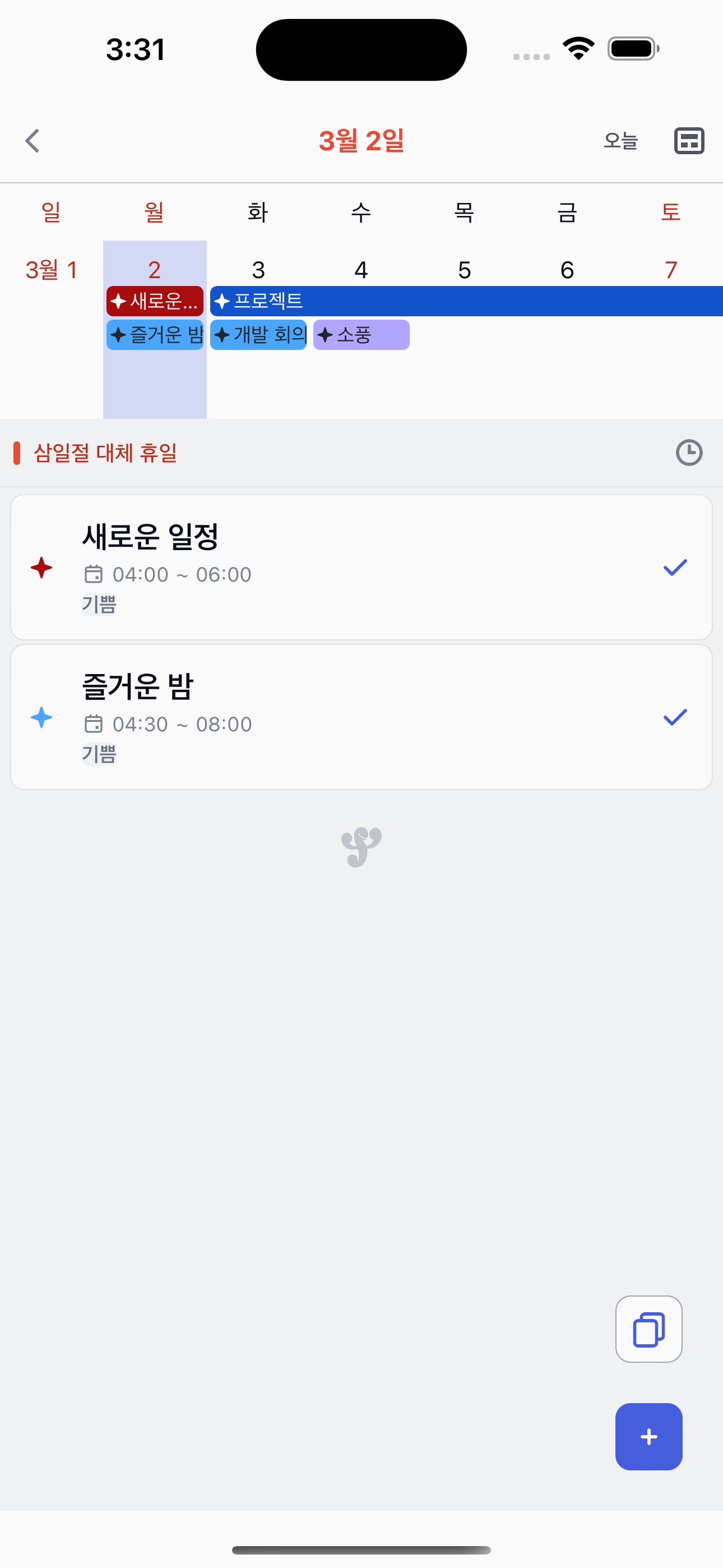
Switch back to List
Tap the toggle icon again to return to List mode. Your preferred view is remembered for next time.
Tip
Fecit remembers your last view mode, so when you open a date next time it will use the same view you chose.