← Tasks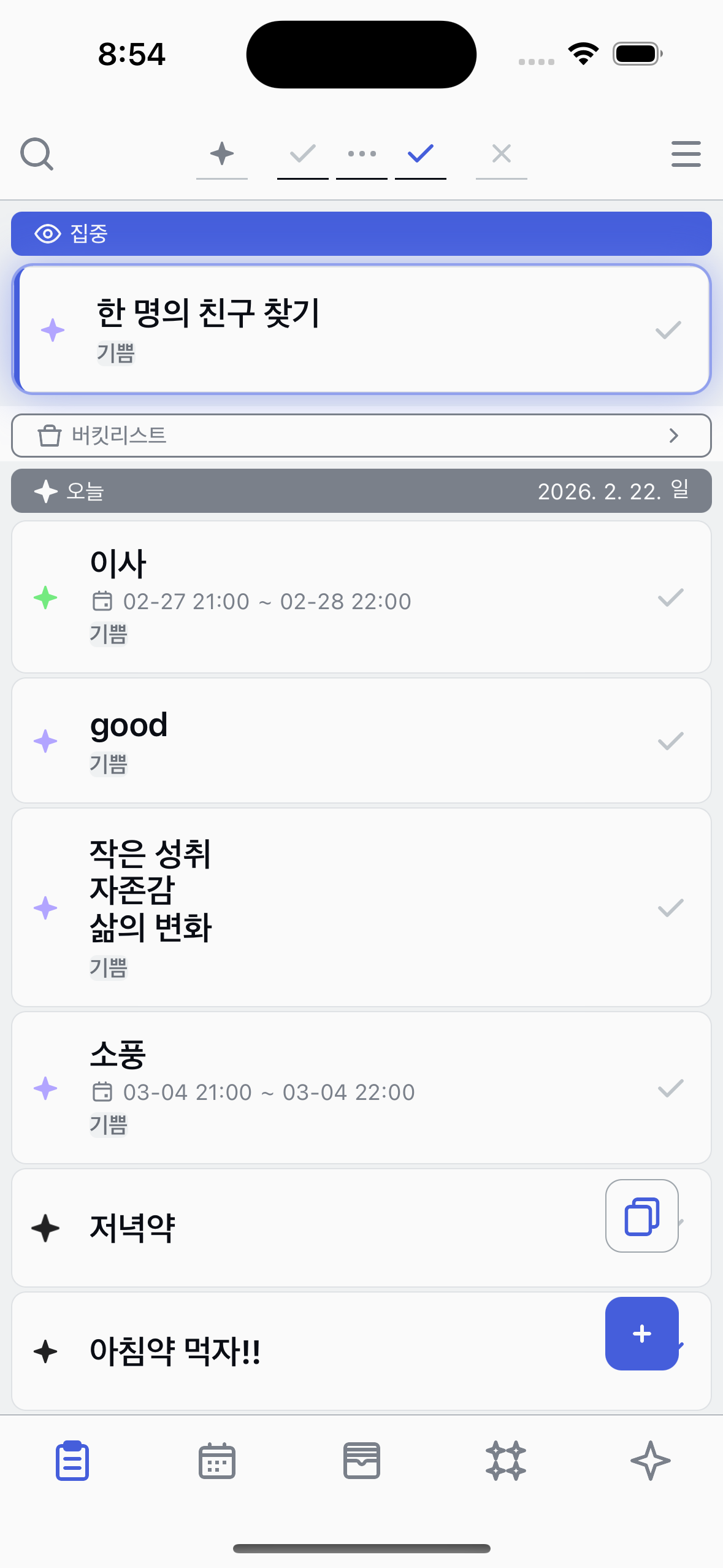


Changing state
Move a task through Registered, Started, and Completed.
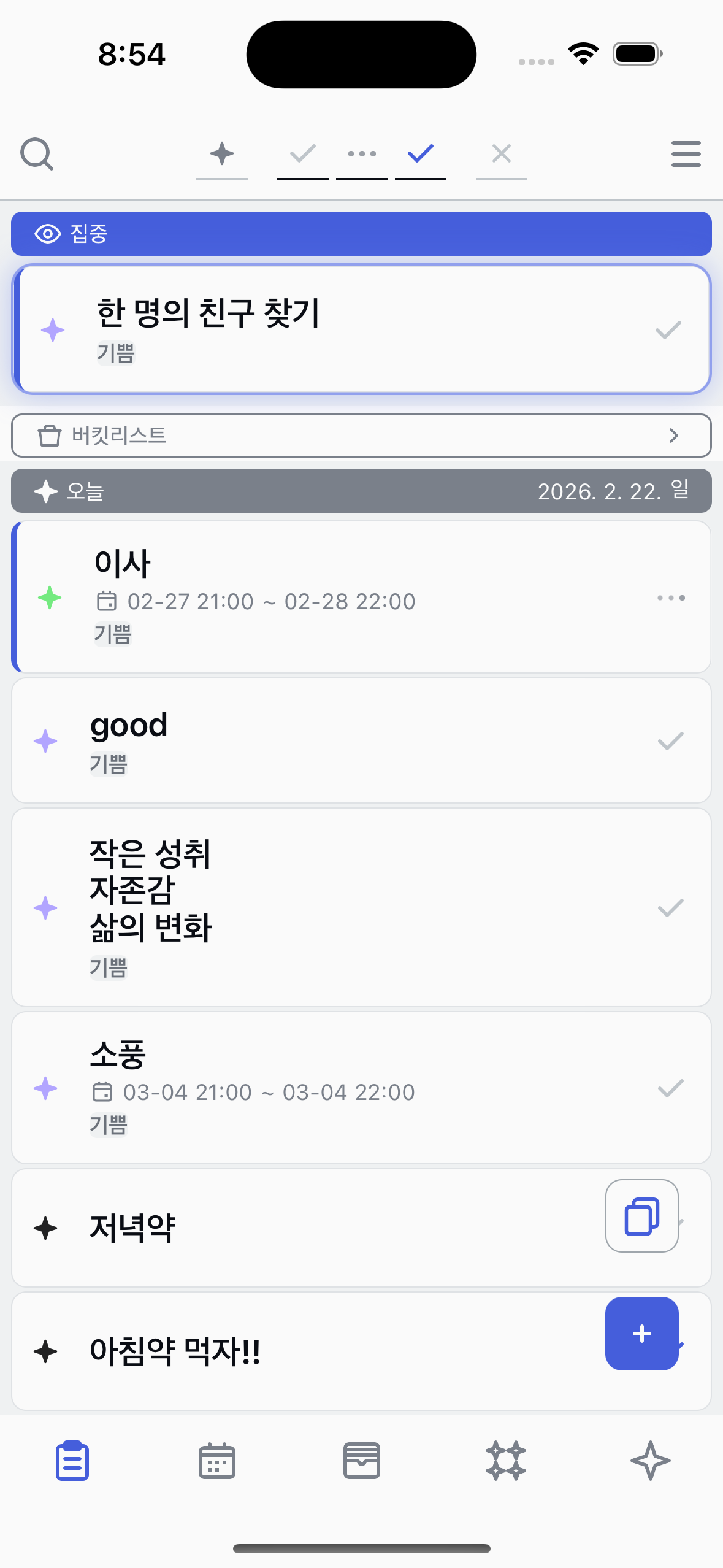
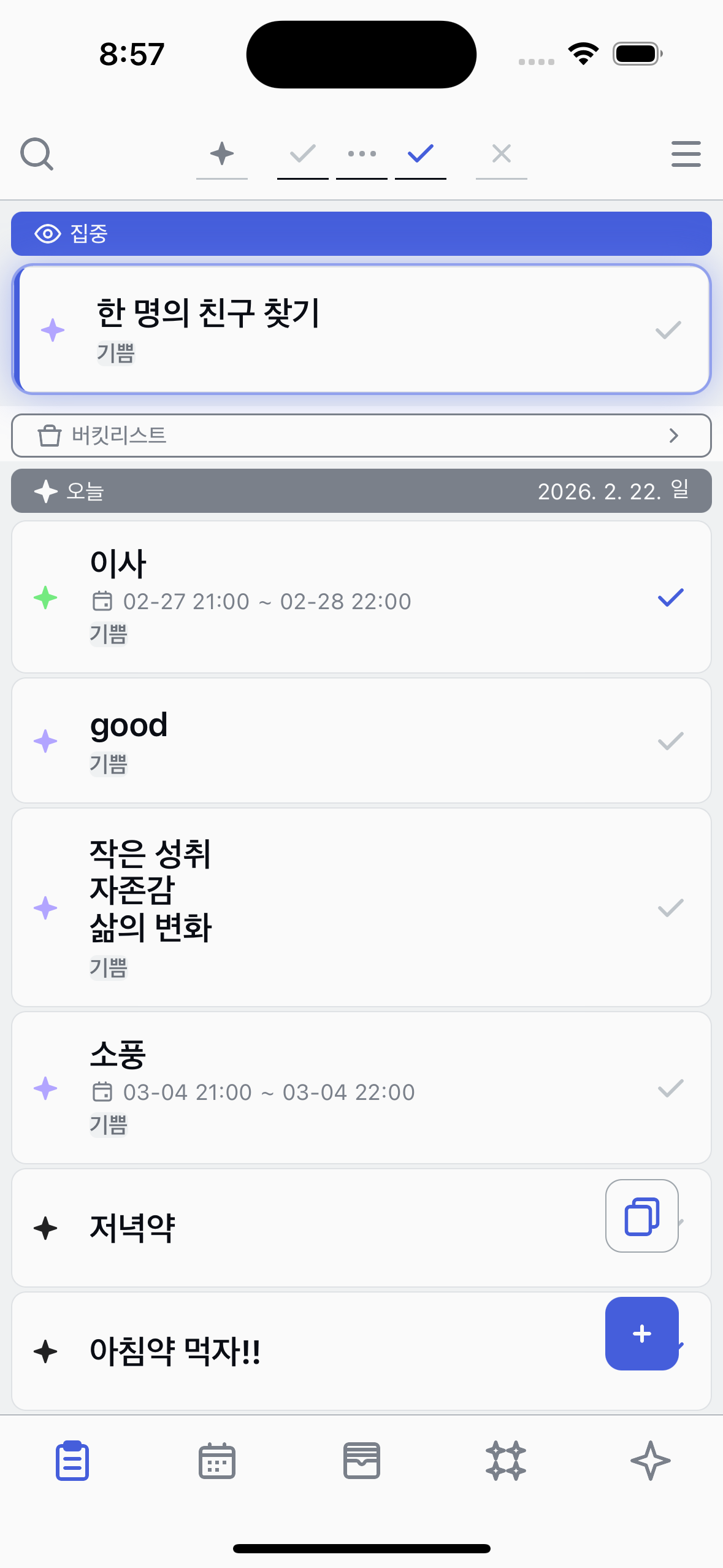
From the list
Tap the state button on the right side of a task to cycle its state.
Registered
Started
Completed
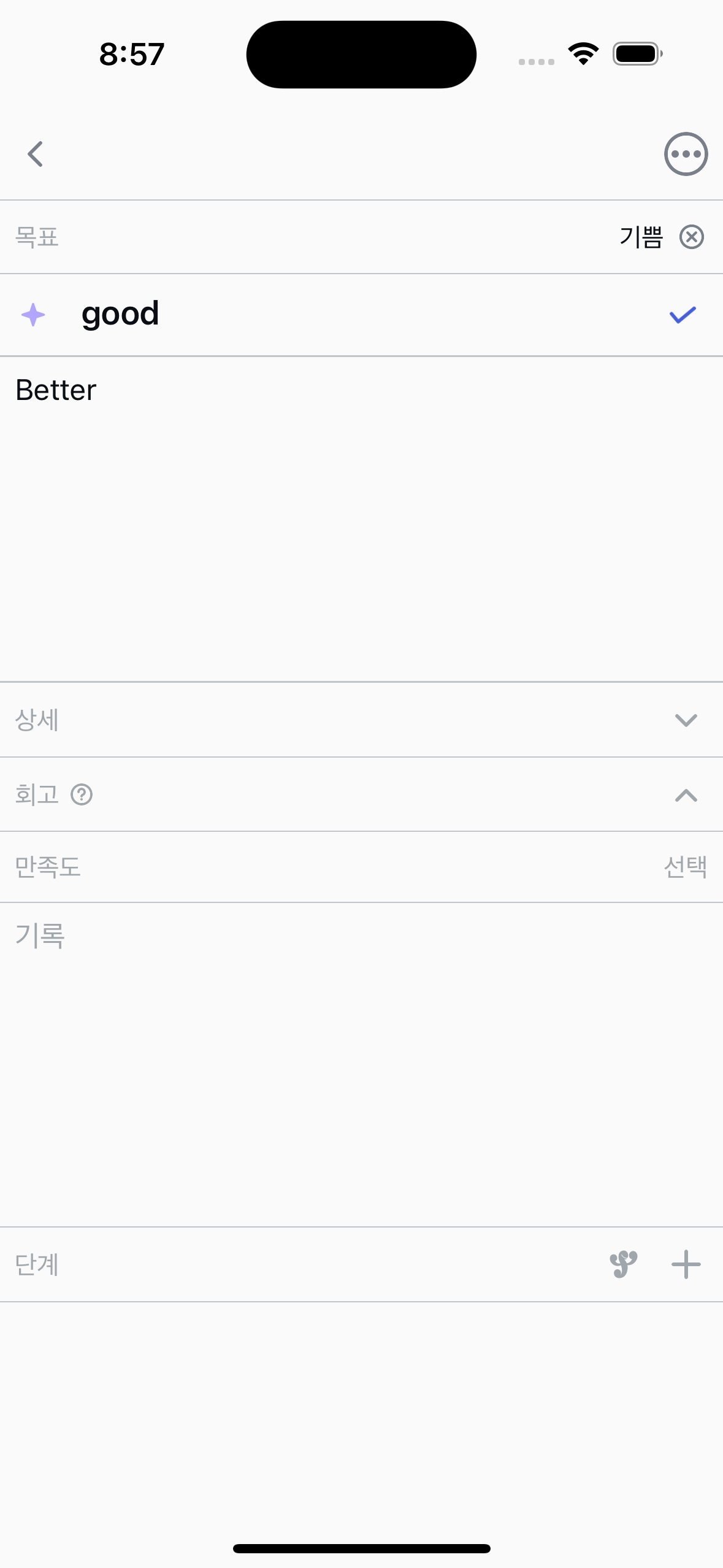
From the detail view
Tap a task to open its detail view. The state button is next to the title.
Registered
Started
Completed
About task states
●
Tapping the state button cycles: Registered → Started → Completed.
●
Tapping again after Completed returns to Registered.