← Tasks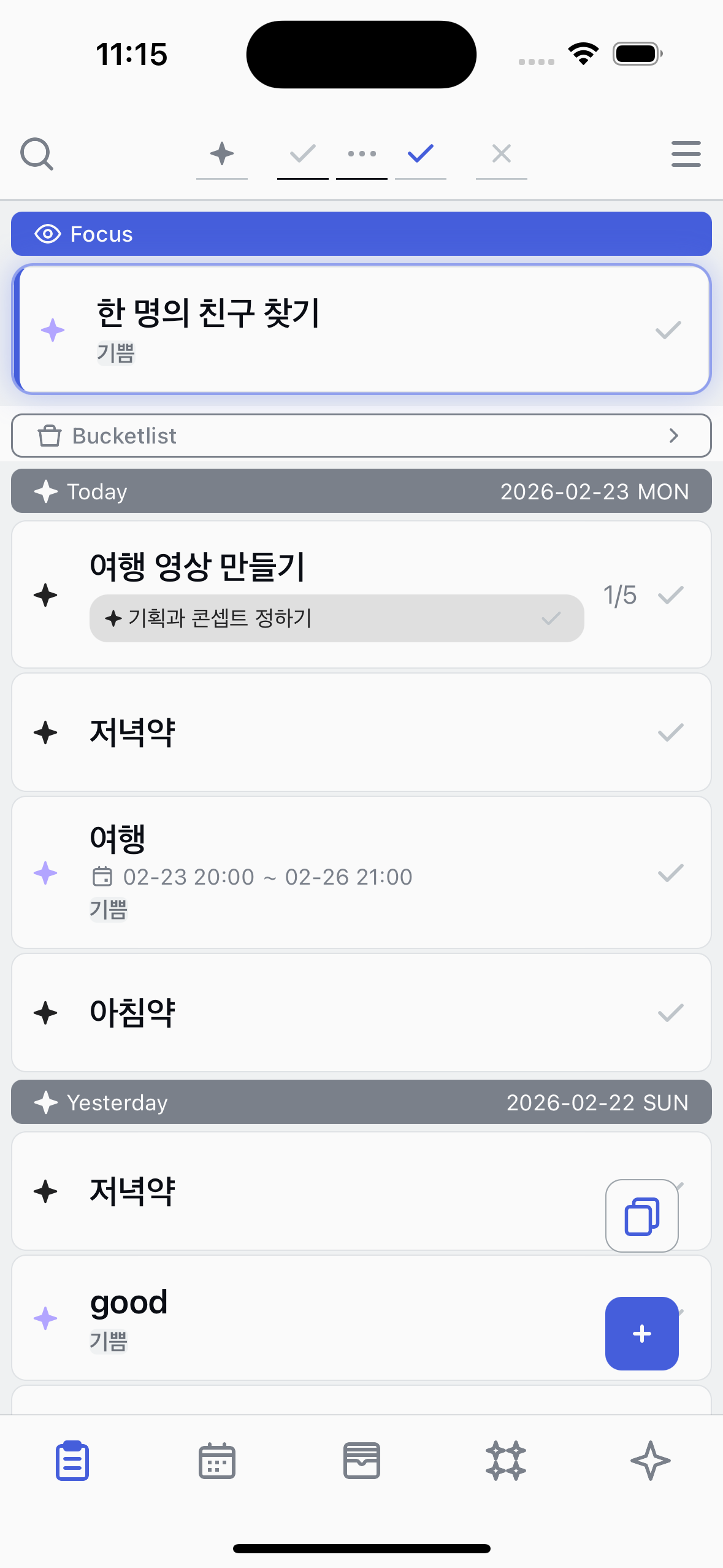
Generate from template
Quickly create a task from an existing template.
1
Tap the Generate button
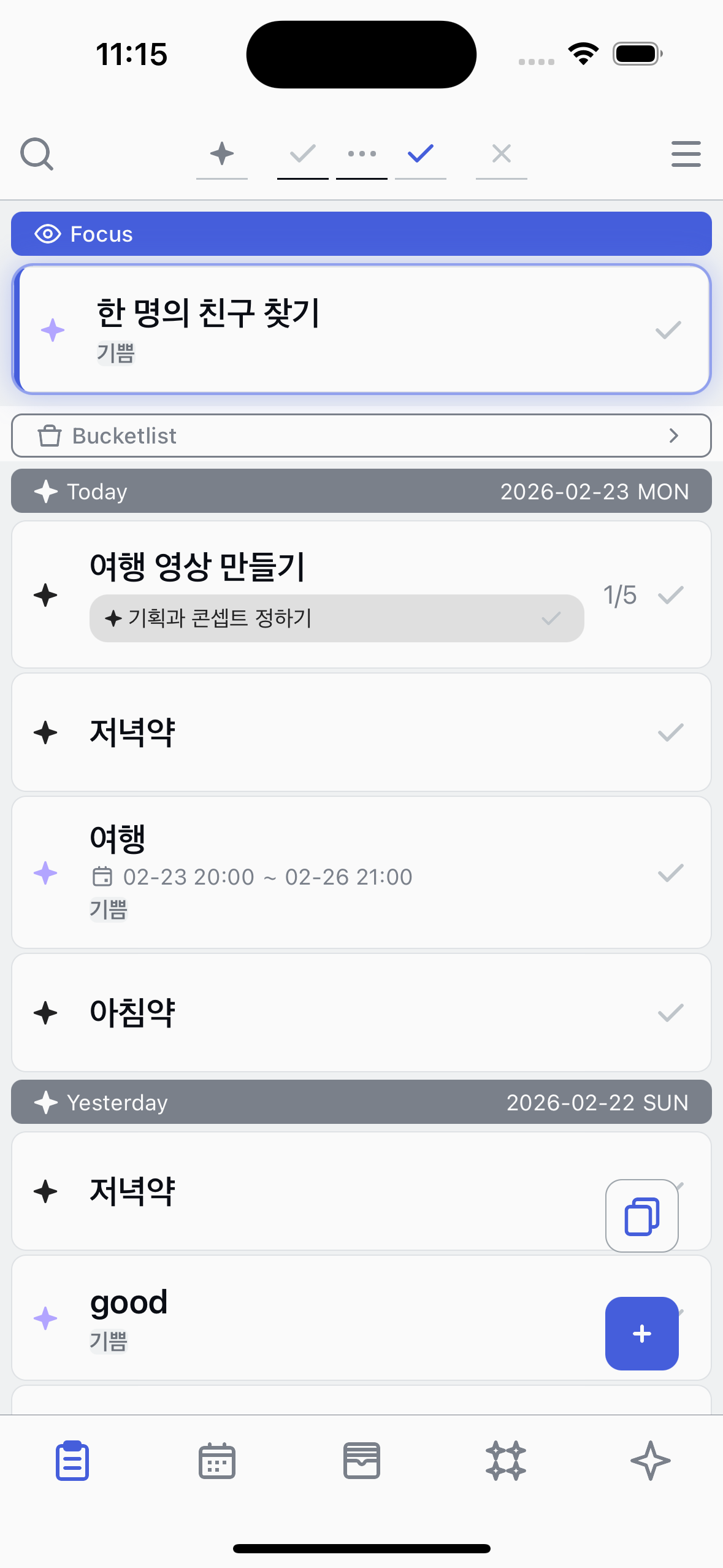
In the Tasks tab, tap the Generate button at the bottom-right corner. You can also access this from the Calendar tab.
2
Choose a template
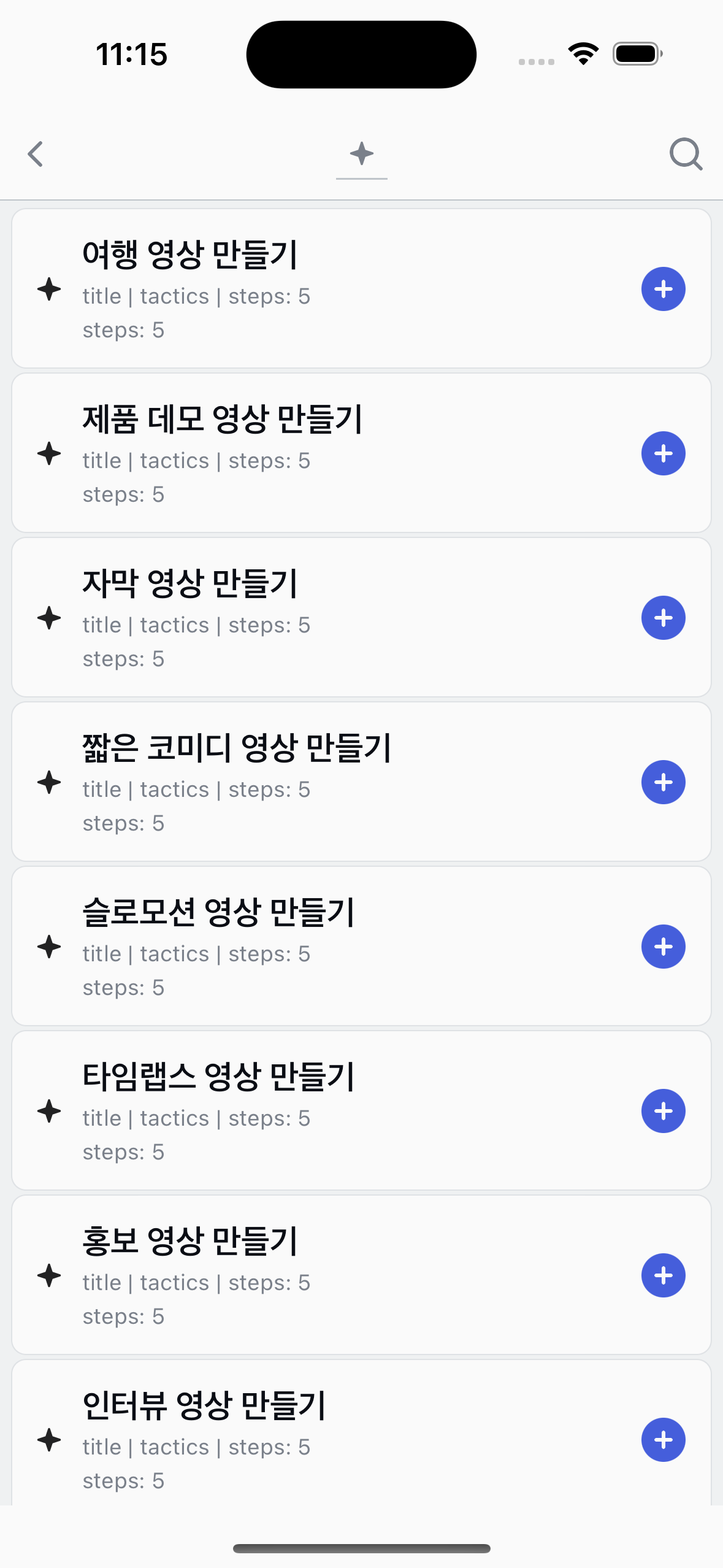
A list of your saved templates appears. Tap a template to select it, then press the + button to generate a task from it.
3
Task created
The new task appears in your list with the Registered state, ready to be started.
About Generate
●
Templates are reusable blueprints — you can generate multiple tasks from the same template.
●
Create and manage templates in the Library tab.
●
When generating from the Calendar tab, the task's start time is automatically set to the next hour.