← Tasks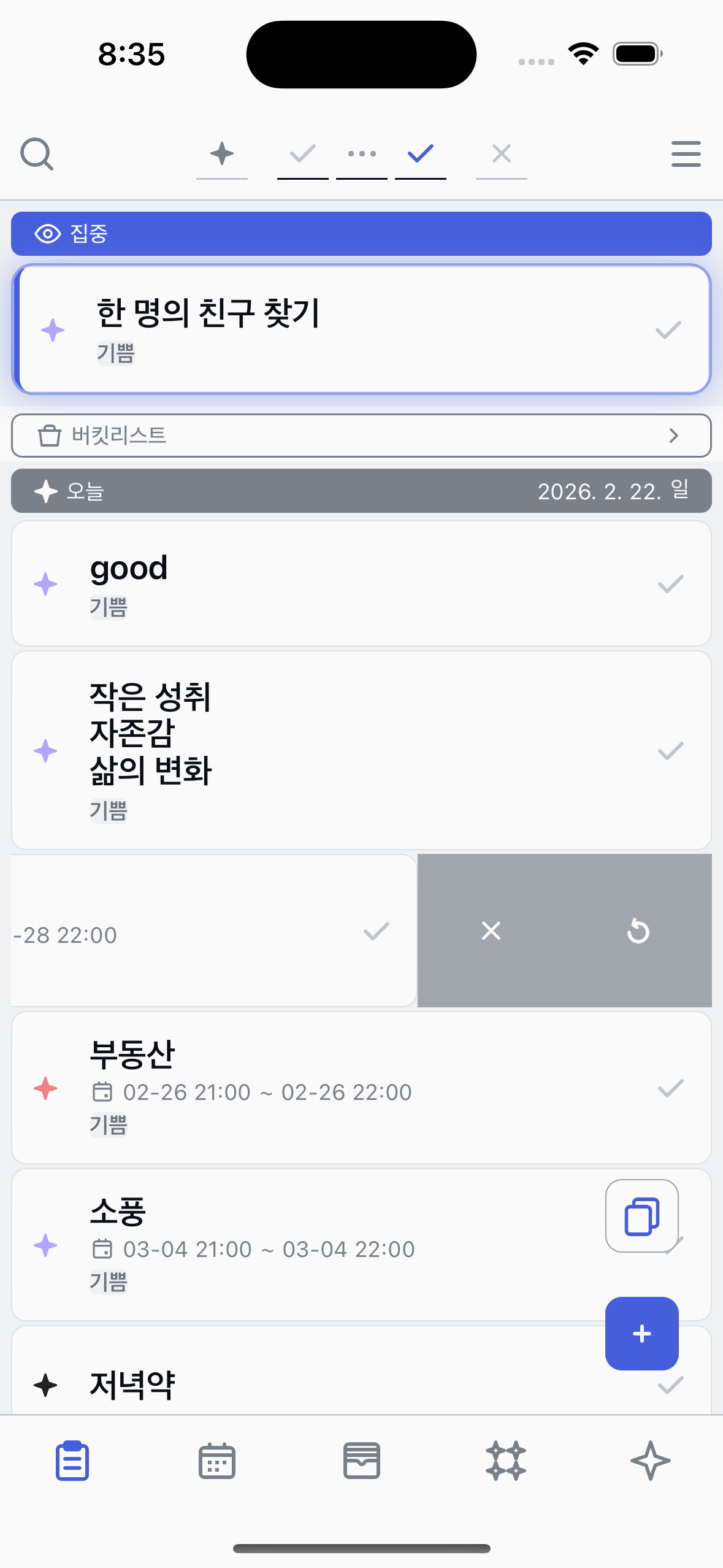
Renew
Bring a task back to the top of your list.
1
Find the Renew button
Swipe a task to the left to reveal action buttons. You'll see the Renew button among them.
2
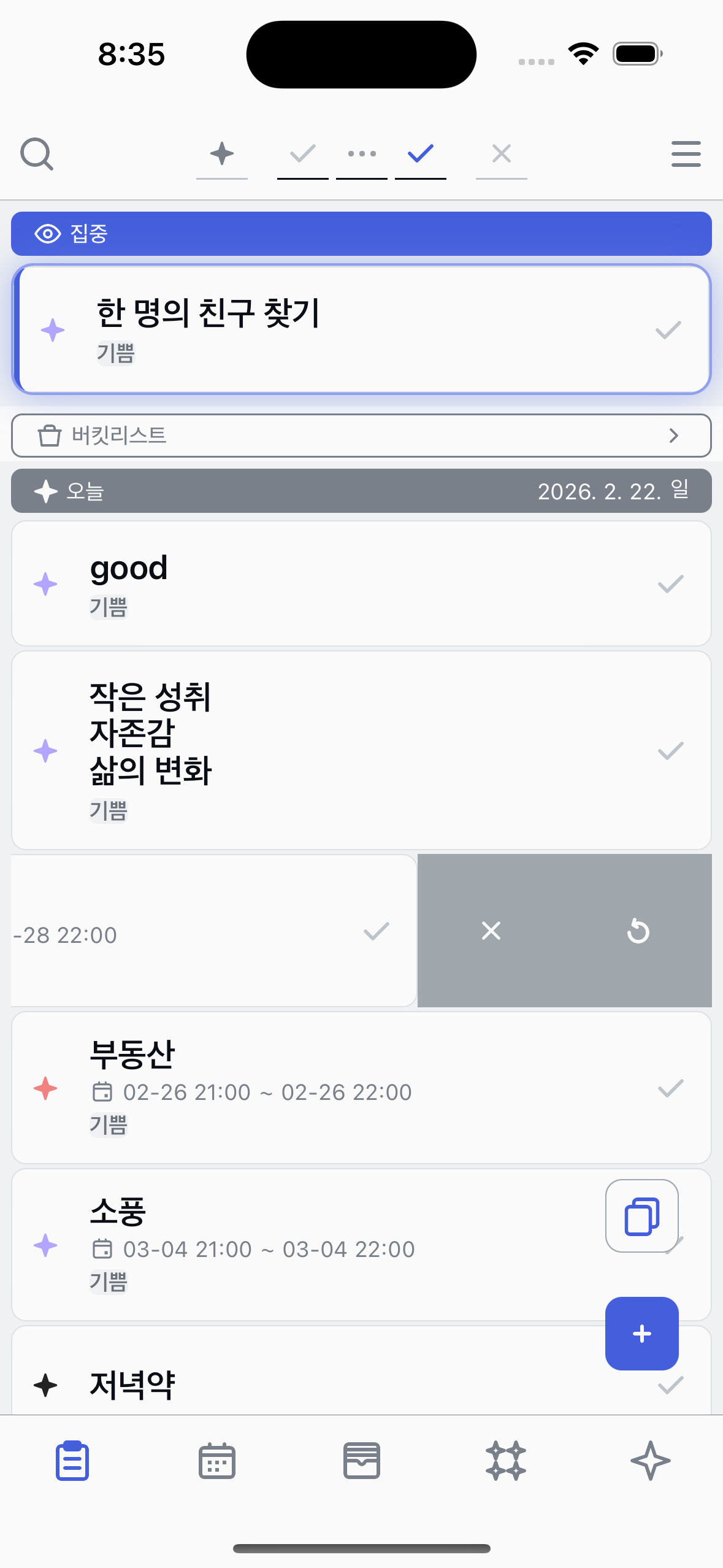
Tap Renew
Tap the Renew button to renew the task.
3
See the renewed task
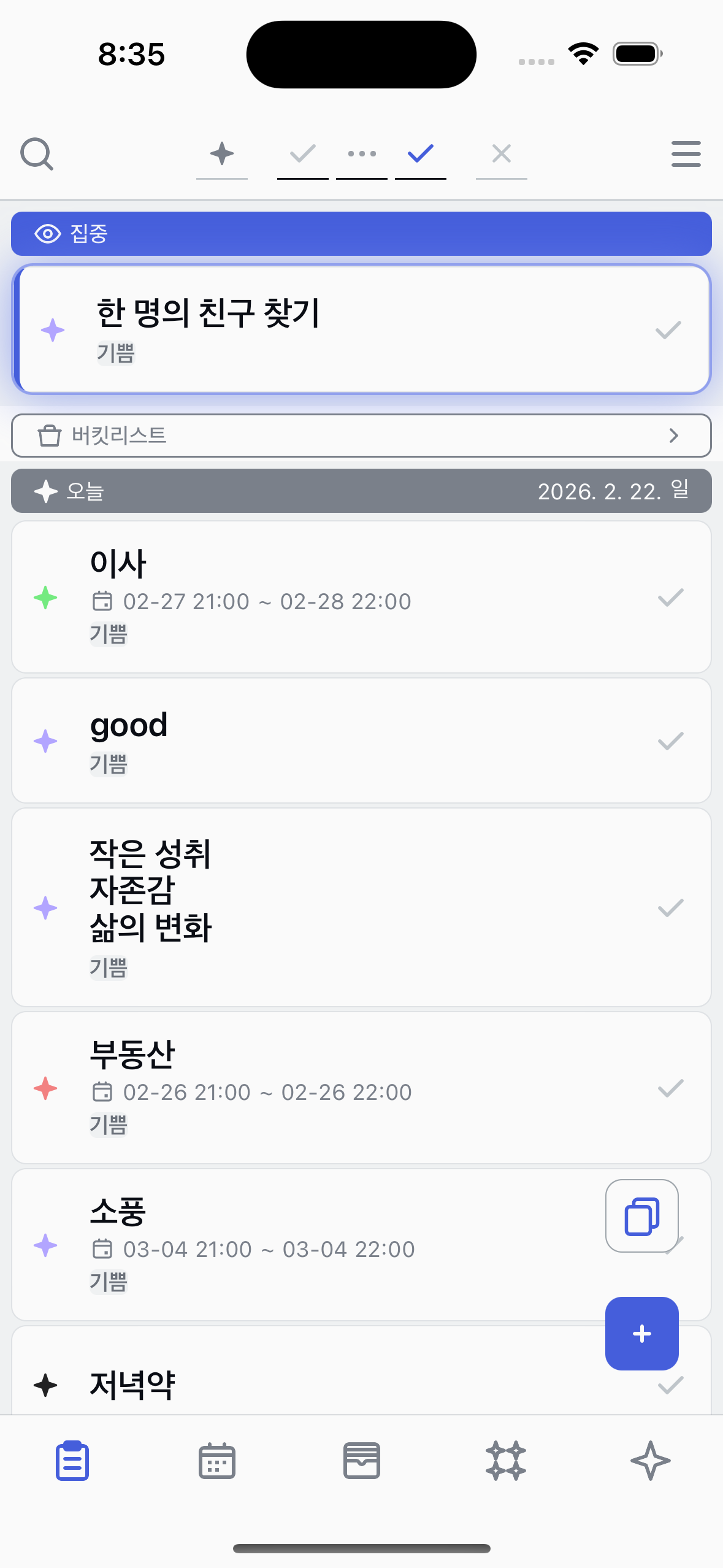
The renewed task moves to the top of your list, making it easy to find and work on again.
About Renew
●
Renew updates the task's created date to now.
●
The task appears at the top of your list.