← Tasks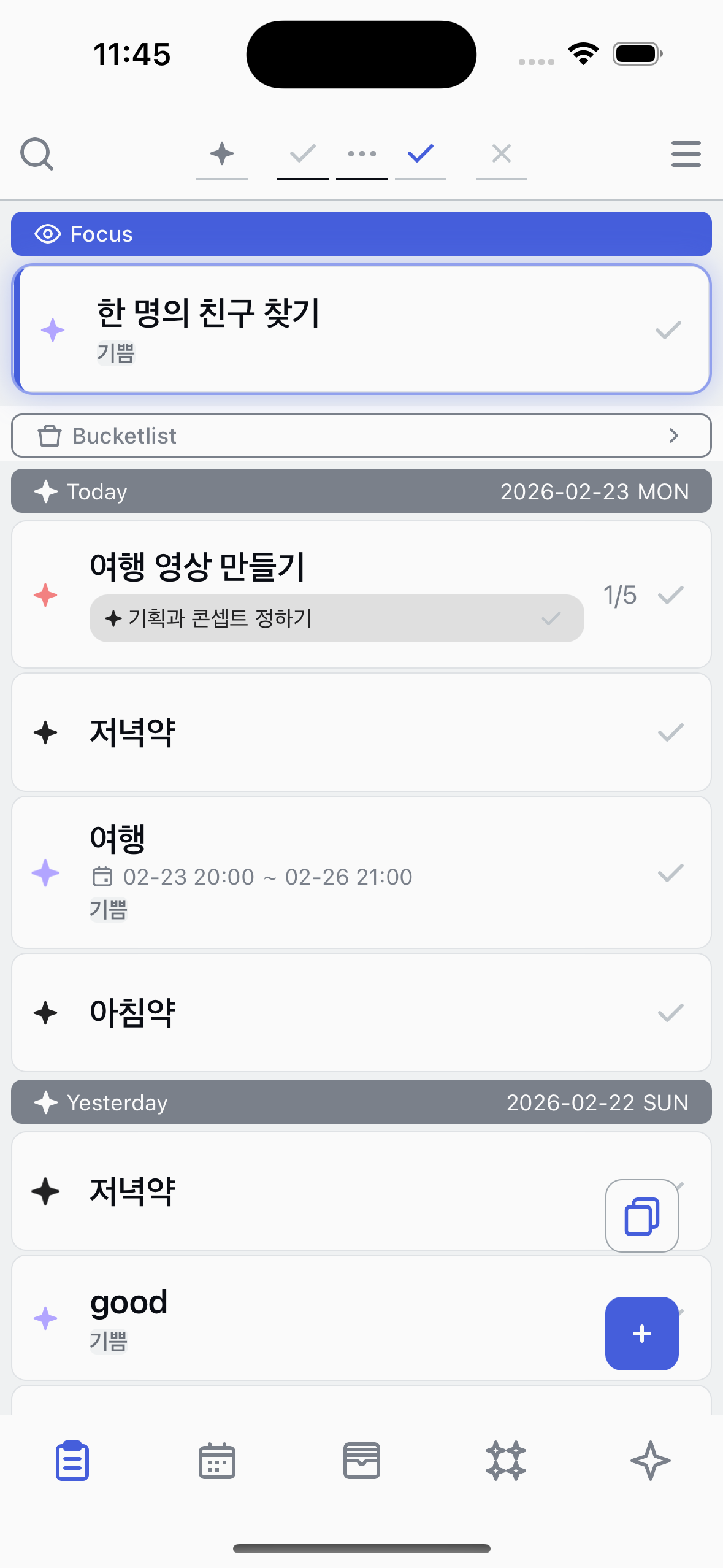
Sub task progress
Track and advance sub tasks directly from the task list.
1
See the current sub task
When a task has sub tasks, the current sub task appears as a colored badge below the task title. The step indicator on the right shows your progress (e.g. 2/5).
2
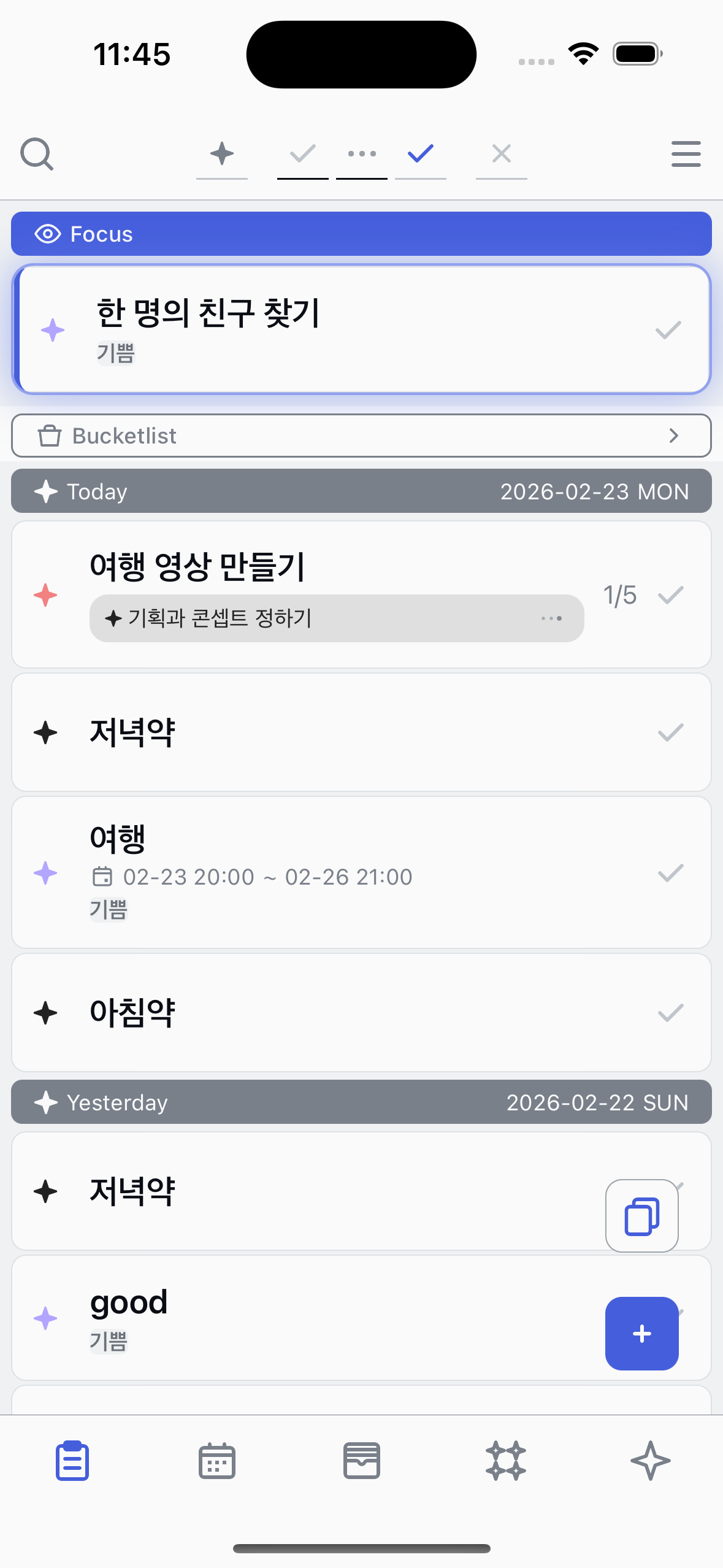
Advance the sub task
Tap the state button on the sub task badge to change its state. The state cycles throughRegistered →Started →Completed . When completed, the next sub task appears automatically.
3
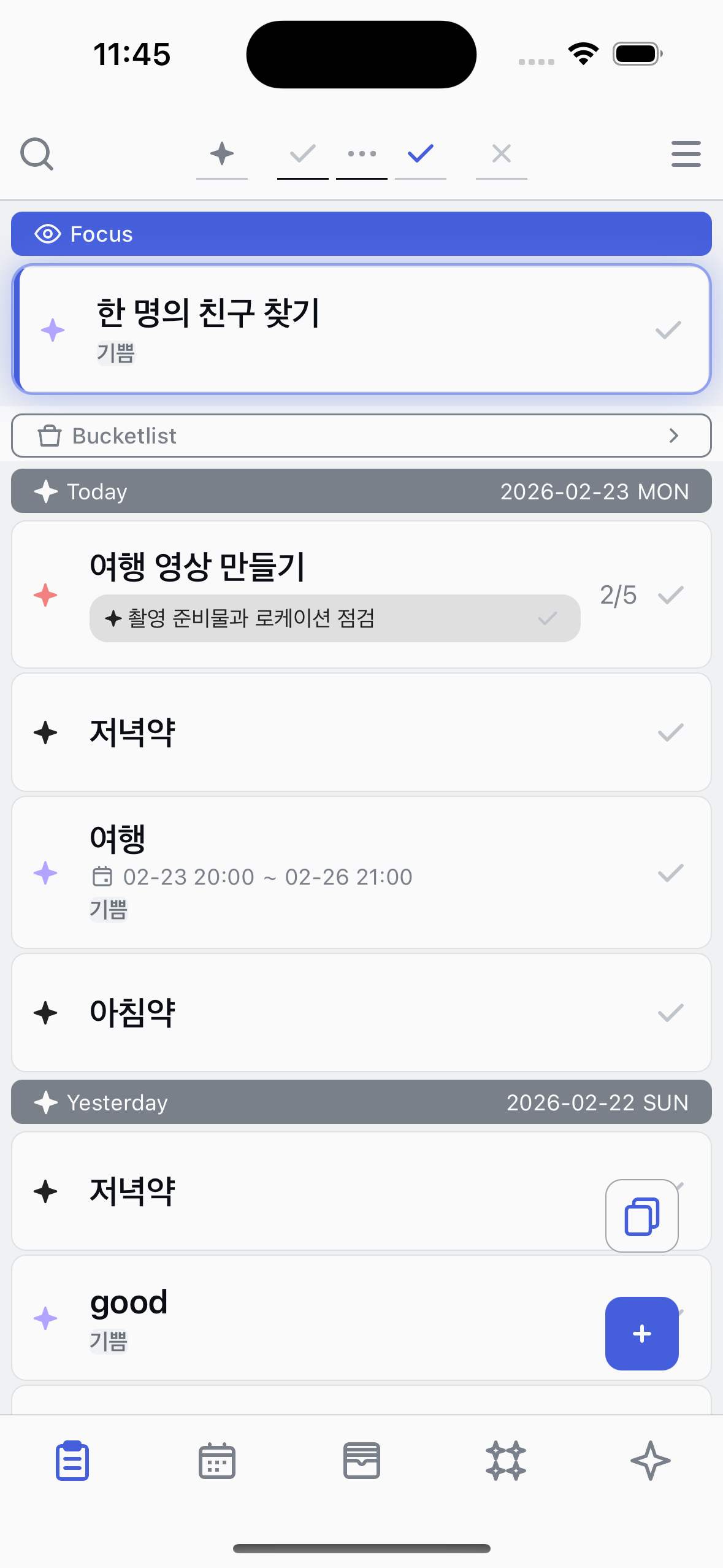
Next sub task
After completing a sub task, the badge updates to show the next sub task in the flow and the step indicator advances.
About sub tasks
●
Sub tasks are defined in the task's graph view where you can connect them in a flow.
●
The step indicator (e.g. 2/5) shows the current step and total steps in the flow.
●
When a sub task has alternative connections, multiple sub tasks may appear as options.