← Tasks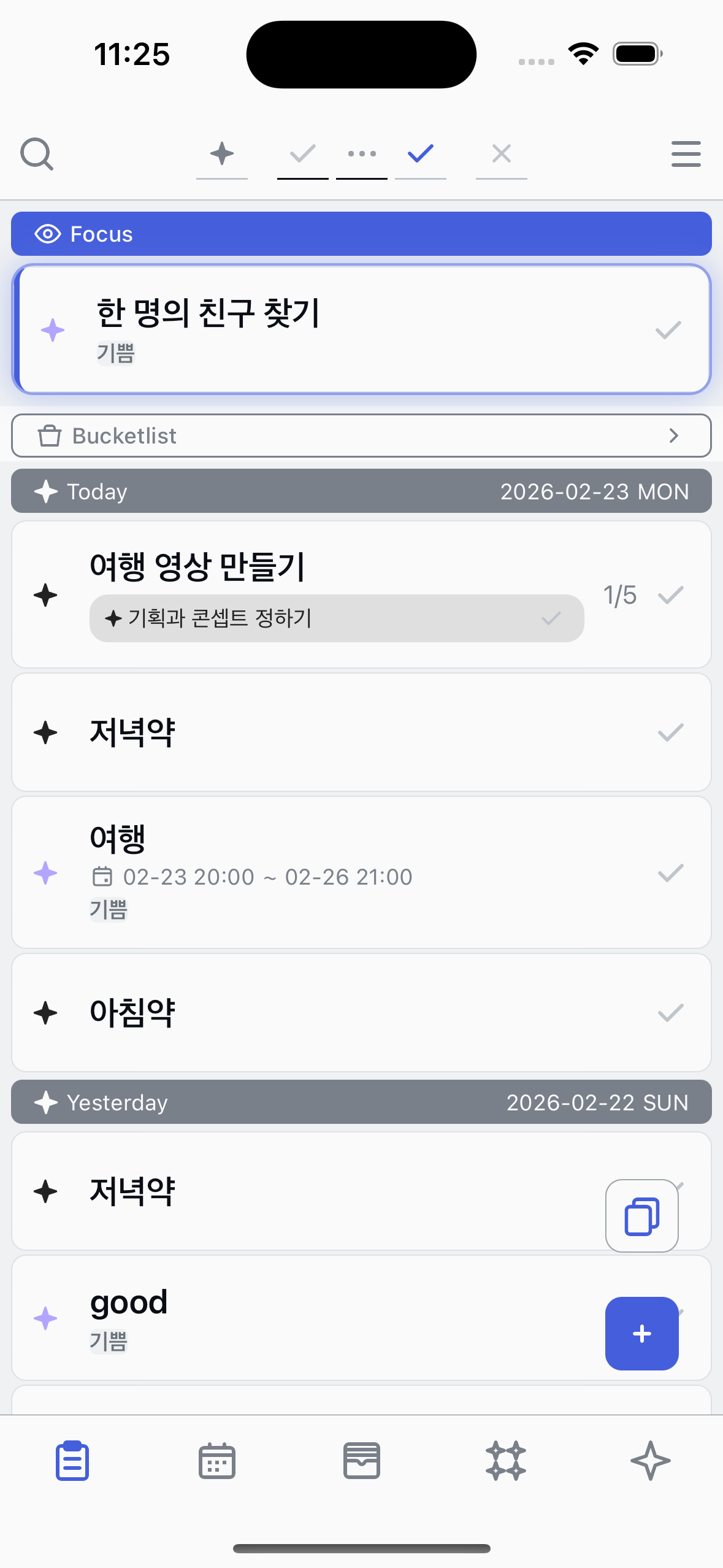
Changing point color
Change a task's star color to organize your tasks visually.
1
Tap the star
Tap the star icon on the left side of a task item. The color picker will open.
2
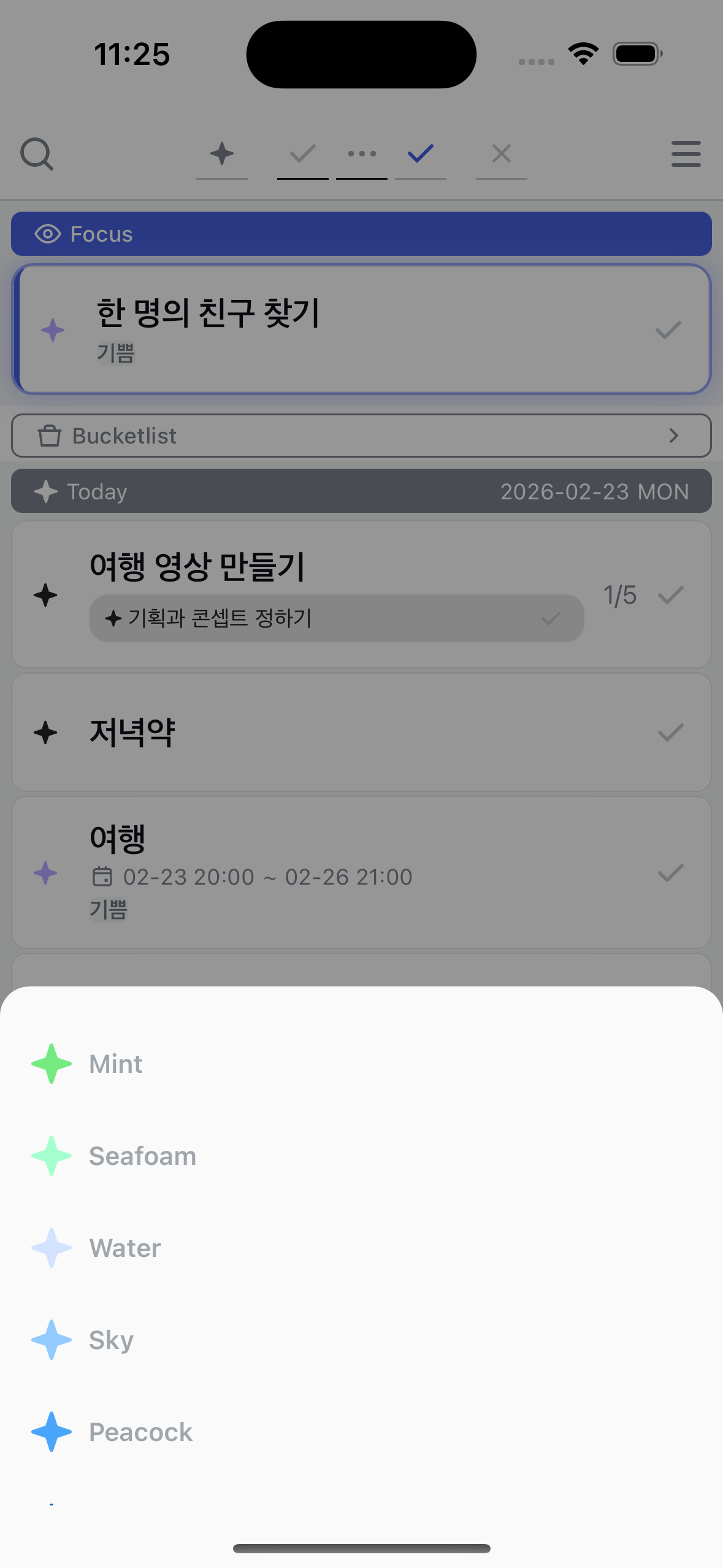
Choose a color
Pick a color from the list. The current color is marked with a checkmark. Tap any color to apply it immediately.
3
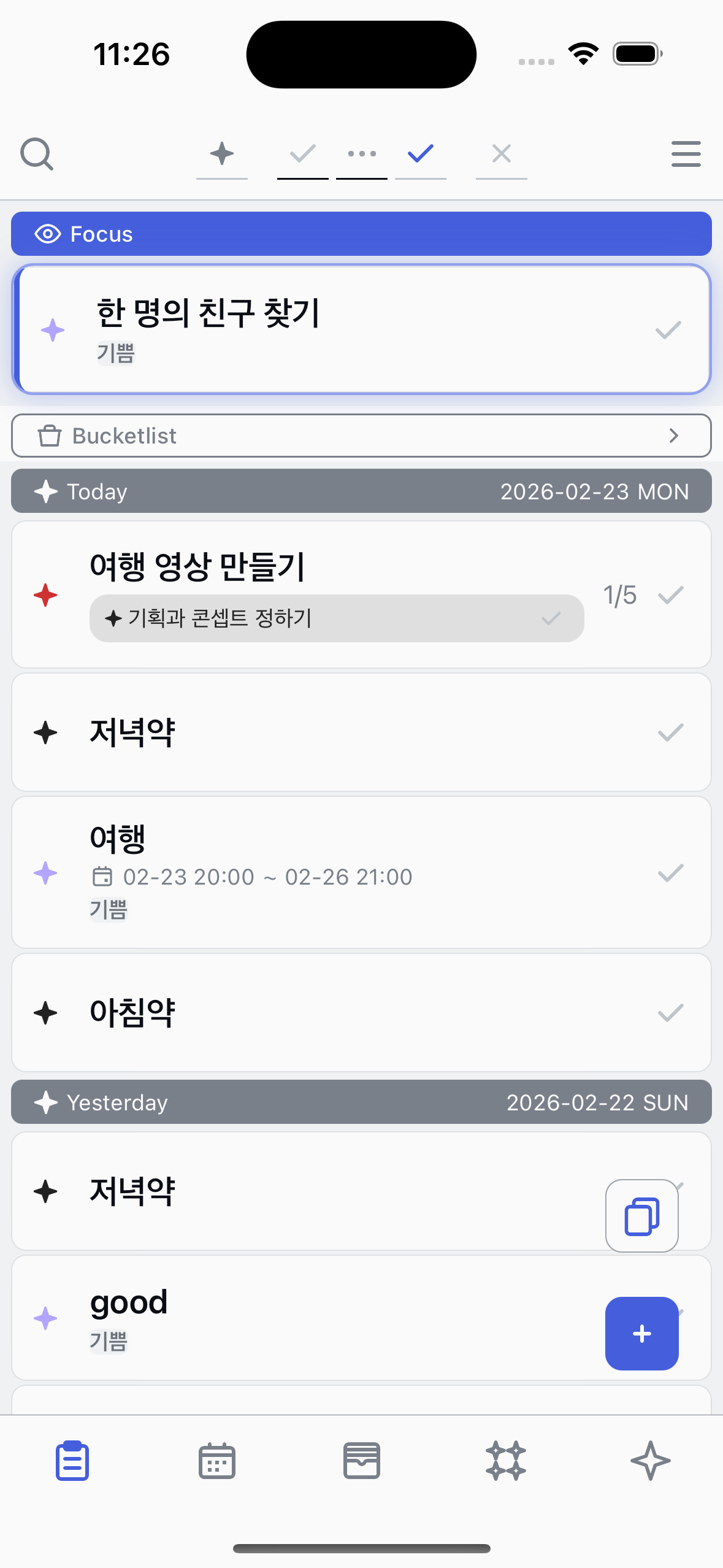
Color updated
The task's star now shows the new color. Use different colors to visually categorize your tasks.
About point colors
●
There are 20 colors to choose from.
●
You can use the star filter in the top bar to show only tasks with a specific color.