Daily Workflow
A typical day with Fecit — from renewing tasks to wrapping up with a review.
Renew yesterday's tasks
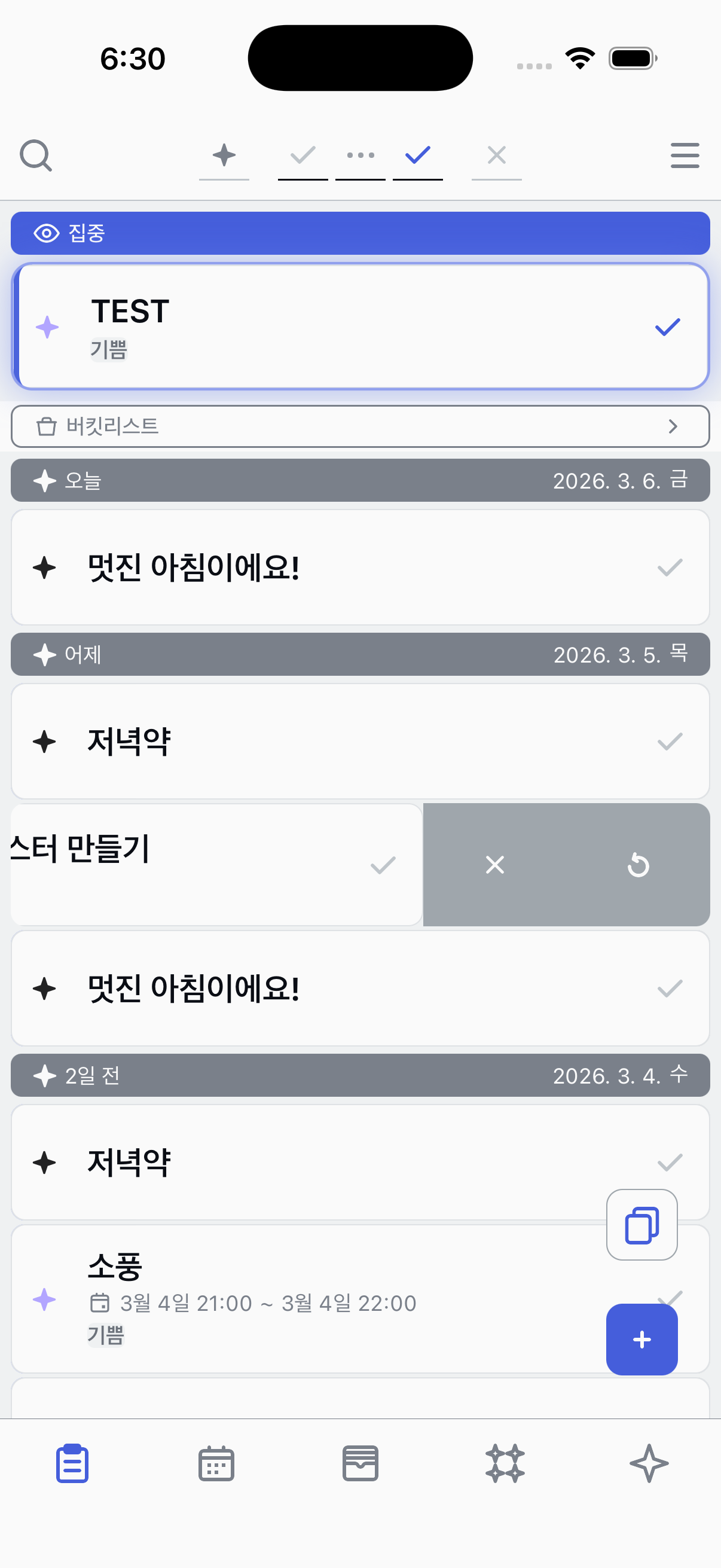
Start your day by checking tasks left over from yesterday. Swipe left on any unfinished task and tap Renew to bring it back to the top of your list. This updates the task's date to today so it stays front and center.
Add new tasks
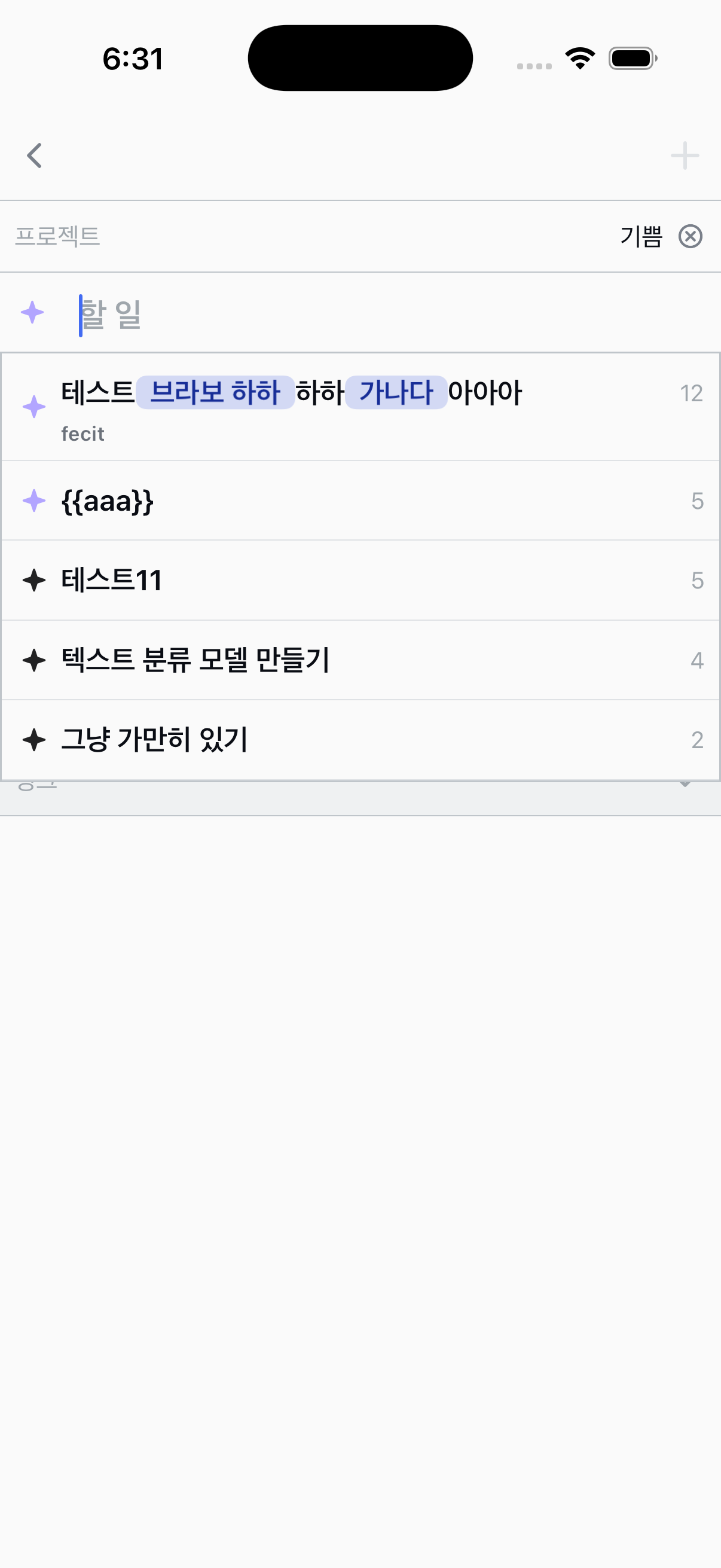
Think about what you want to accomplish today and add new tasks. Tap the + button to quickly register them. You can also generate tasks from templates you've saved before.
Work through your tasks
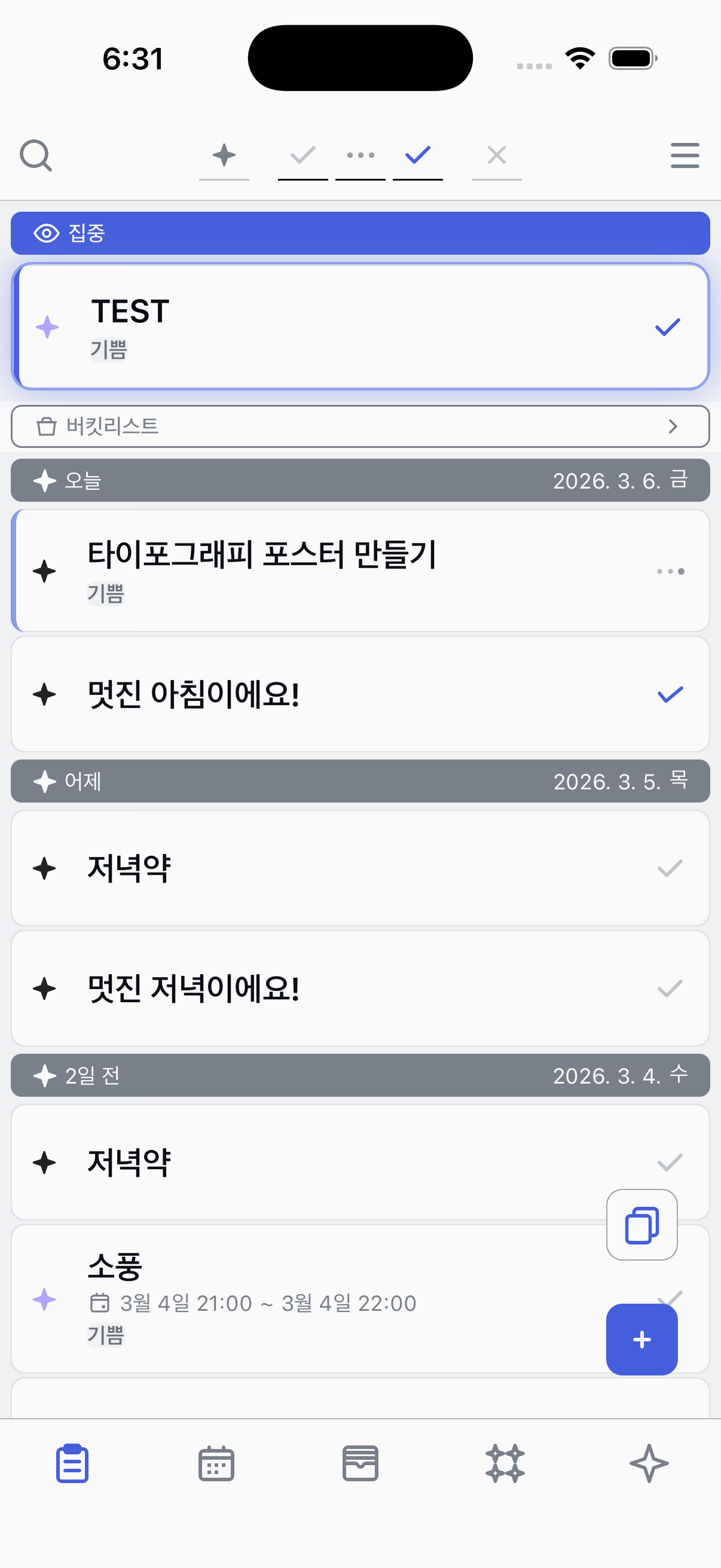
As you go through your day, update each task's state. Tap a task to Start it when you begin working, then mark it as Completed when you're done. Use Focus to pin the task you're currently working on to the top.
Review your tasks
Write a short retrospect on completed tasks to reflect on how things went. Tasks you didn't finish will be waiting for you to renew tomorrow morning.
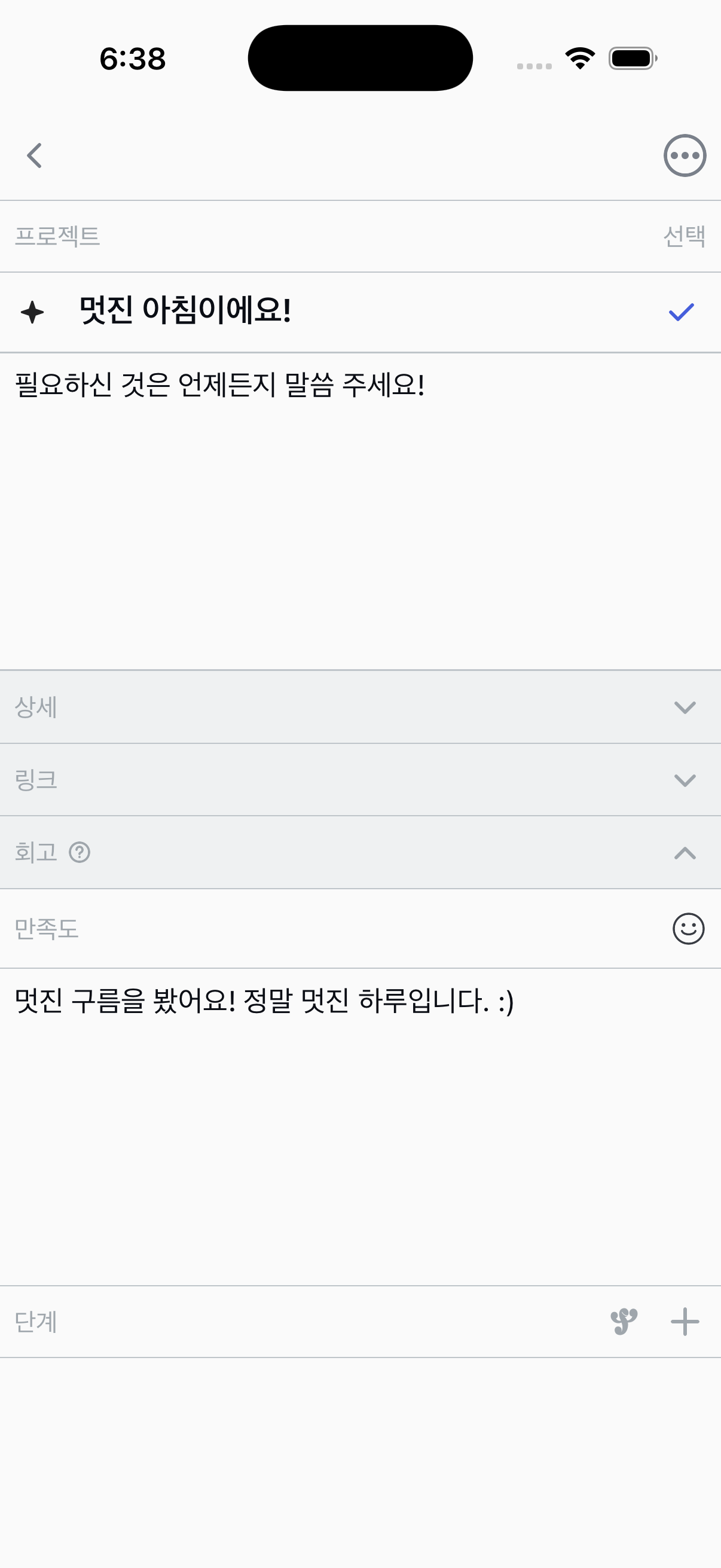
Review your day
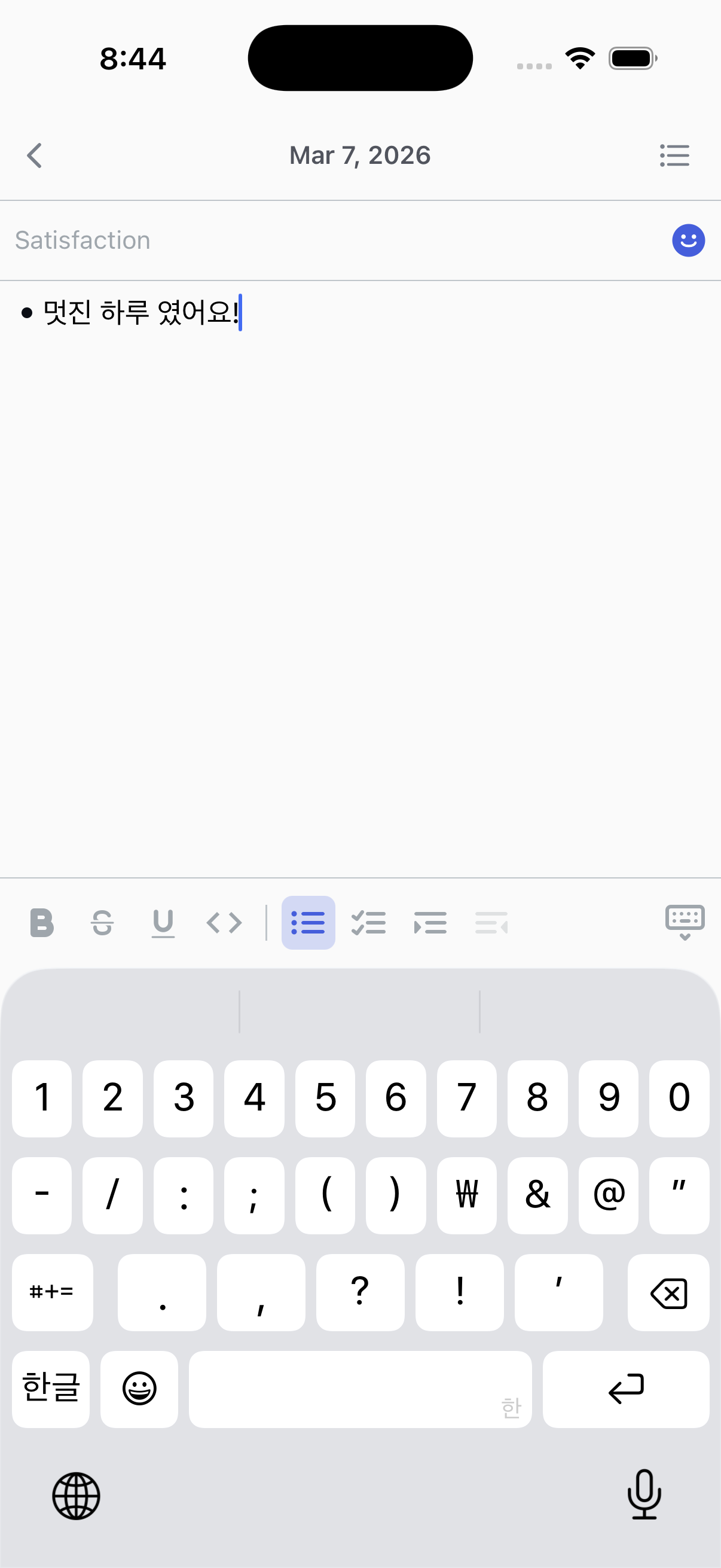
At the end of the day, tap a date separator to open the Daily Review. Rate your satisfaction for the day and leave a note reflecting on how it went. These daily entries build up to show your weekly and monthly trends.